
How to Learn Real Architecture Through Brick Building
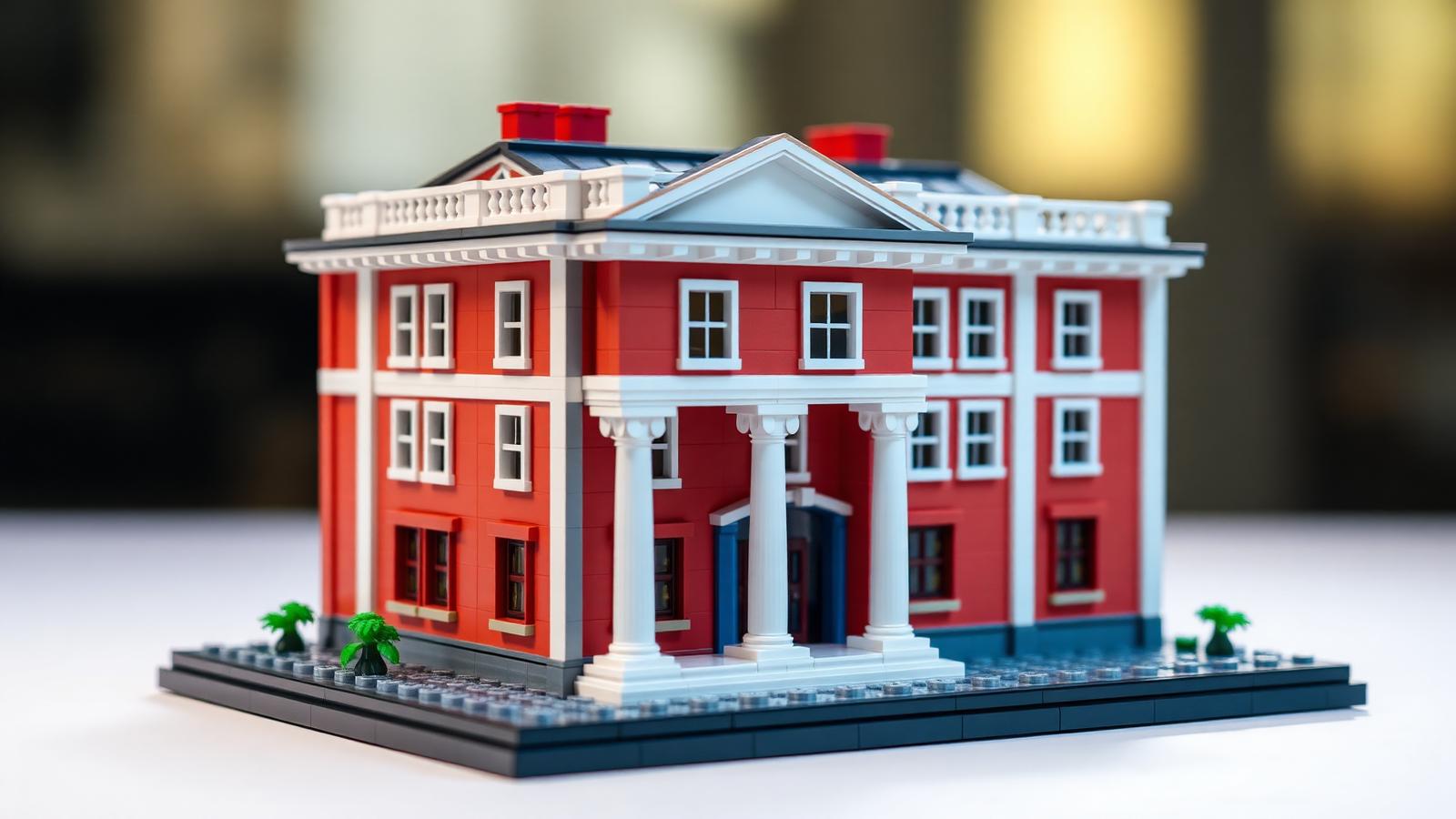
Architects study for years. You can start today with a box of bricks.
Bricks teach real building principles — proportion, structure, scale, balance. These are the same rules that hold up real towers and bridges. You learn them by hand, one build at a time.
This is why lego the building blocks of architecture works so well as a learning tool. You do not read about a load-bearing wall — you build one, feel it hold or fail, and that hands-on lesson sticks.
This guide shows you how to turn brick building into a real architecture lesson: six core design ideas, how to apply each one with bricks, and a simple path from your first wall to a full building.
Why Bricks Teach Architecture So Well
Real architecture is hard to see. It hides inside walls and foundations. Bricks make it visible.
Every rule a real architect uses shows up in a brick build — weight, support, balance, flow. You see the rule work or fail in minutes, not years.
- Fast feedback. A weak wall falls now. You learn now.
- Low cost. No steel, no concrete — just bricks you already own.
- Safe to fail. A collapsed tower costs nothing. Try again.
That is the value of the building blocks of architecture as a learning method. It turns big ideas into small, testable builds.
Concept 1: Proportion — Getting the Sizes Right
Proportion is the size relationship between parts. A door too big looks wrong. A window too small looks off. Real buildings follow proportion rules to look right.
How to practice proportion:
- Set a door 4 bricks tall.
- Try windows at 2 bricks, then 3. See which fits.
- Match the roof height to the wall height. Test both.
Step back after each change. Trust your eye. Architects use ratios like 1:2 and the golden ratio — you do not need the math, you need your eye and a few test builds. For a deeper planning workflow, see our architecture building blocks examples planning guide.
Concept 2: Structure — Making It Stand Up
Structure is the frame that holds weight. Get it wrong and the whole thing falls.
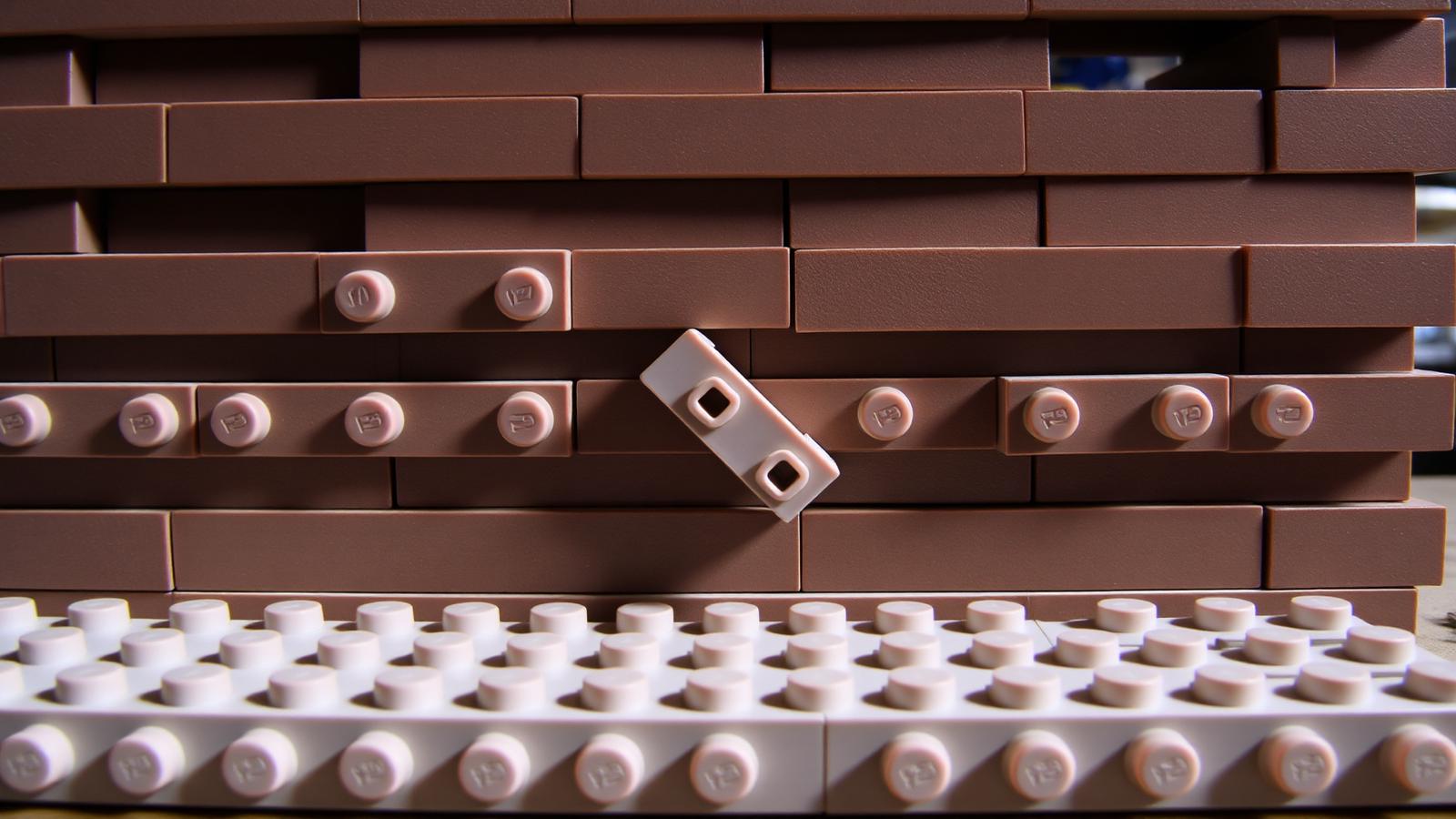
- Overlap your bricks. Stack them like real brickwork, not in single columns.
- Widen the base. A tall build needs a wide, heavy bottom.
- Add cross-support. Use plates across the top of walls to tie them together.
Build a tower 30 bricks tall on a 4x4 base — it tips over. Rebuild on an 8x8 base — it stands. Same height, different base. That is a structure lesson you never forget. The same discipline shows up in our software architecture principles for brick models guide.
Concept 3: Scale — Choosing Your Size
Scale is the size of your whole model against the real thing. Pick one and stick to it.
- Minifig scale — people-sized figures, big buildings, great for detailed single structures.
- Micro scale — tiny buildings, a whole city block on one baseplate.
- Display scale — a large model of one landmark, best for a shelf centerpiece.
Mixing scales breaks the look. A minifig-scale door on a micro-scale tower looks wrong. Micro works best for city layouts; see the cloud data center brick build guide for a modular micro example.
Concept 4: Symmetry and Balance
Symmetry is when two sides mirror each other. Balance is when weight feels even. Both make a build look right.
- Mirror the sides. Build the left, then copy it on the right.
- Center the entrance. A door in the middle reads as balanced and formal.
- Break it for effect. Shift a tower off-center for a modern look, but keep the weight stable.
Look at your build straight on and cover the right half with your hand. Does the left match? For symmetry it should. For a modern build, the imbalance should still feel steady.
Concept 5: Form and Function
Real architecture balances form and function — how it looks, and how it works.
- Function first. Decide what the building does — a house, a shop, a tower — then place the working parts.
- Form second. Add the style: color, roof shape, surface detail.
- Openings matter. Doors and windows are function and form at once.
Build a shop front: wide door and big windows for display (function), plus a sign and trim color (form). Meet both and it reads as a real shop, not just a box. For a formal system, see our take on the TOGAF architecture building blocks.
Concept 6: Detail and Texture
Detail is the surface finish. Texture is how it feels to the eye. These turn a plain box into a real building.
- Use tiles for smooth walls — they read as glass or stone.
- Use exposed studs for rough walls — they read as brick or rough stone.
- Add trim. Use 1x1 and 1x2 parts around windows and doors.
- Mix surfaces. A smooth base with a textured top adds interest.
A bare wall looks like a toy. A textured wall looks like a building. Detail is the final 10 percent that sells the whole model — do not skip it.
Putting It Together: A Build Path
- Start with proportion. Build a house front. Test door and window sizes.
- Add structure. Make the walls stand strong. Widen the base.
- Set a scale. Pick minifig or micro. Match every part to it.
- Balance it. Mirror the sides or break it on purpose.
- Apply form and function. Place working parts, then add style.
- Add detail. Finish with texture and trim.
Do this once and you have built a real building with real rules. Do it a few times and the rules become second nature.
Common Mistakes to Avoid
- Weak base. A narrow bottom tips a tall build. Widen it.
- Mixed scales. A minifig door on a micro tower looks wrong. Pick one scale.
- Bad proportion. Windows too big or small ruin the look. Test sizes first.
- No detail. A bare wall looks like a toy. Add texture and trim.
- No plan. Building with no concept leads to a mess. Plan the purpose first.
Skill-Level Guide
- Beginner (ages 5+ with help): Focus on proportion and structure. Build one house front.
- Intermediate: Add scale and balance. Build a full house at one scale. Mirror the sides.
- Expert: Use all six concepts. Build a detailed landmark or a scaled city block. See the architecture building blocks toy teaching guide for age-by-age paths.
For families this is a strong STEM activity — kids learn real building rules with their hands, see cause and effect in minutes, and finish with something they are proud to show.
Conclusion
Real architecture and brick building share the same rules — proportion, structure, scale, balance, form and function, detail. Pick one building you like, build the front at one scale, test the proportion, make it stand strong, then add the detail. That is how lego the building blocks of architecture turns a box of parts into a real lesson. Browse more guides in our Architecture & Landmarks hub.
FAQ
How do bricks teach real architecture concepts?
Bricks make hidden building rules visible. You build a load-bearing wall and feel it hold or fail. You test proportion by adjusting door and window sizes. You learn scale by matching every part to one size ratio. These are the same rules real architects use — with bricks you learn them by hand in minutes, not years.
What is the best first build for learning architecture with bricks?
Start with a simple house front. It teaches two core rules at once: proportion, by testing door and window sizes against the wall, and structure, by making the walls stand strong on a wide base. Once the front looks right and holds firm, add scale, balance, and detail on your next build.
Is brick building a good STEM activity for kids?
Yes — it is one of the best hands-on STEM tools. Kids learn structure, balance, and proportion by doing. They see cause and effect fast: a weak base tips over, so they widen it. This builds problem-solving and spatial skills, and they finish with a model they are proud to show.
What scale should I use for a brick building model?
It depends on your goal. Use minifig scale for one detailed building with figures. Use micro scale for a whole city block on one baseplate. Use display scale for a large landmark centerpiece. Pick one scale first, then match every part to it — mixing scales in one build breaks the look.
Do I need special parts to build architecture models?
No. Standard bricks work for every concept here. You need baseplates for a strong base, plates for cross-support, and tiles for smooth surfaces. Small 1x1 and 1x2 parts add trim and detail. BrickHobby parts follow the standard 8mm stud, so they connect to the bricks you already own.
Ready to build this yourself?
BrickHobby sells high-quality LEGO-alternative building block sets — the same brick standard, a fraction of the price. Browse our in-stock sets and simply contact our customer service team to place your order; we will confirm availability, pricing and worldwide shipping for you.
Keep reading

Architecture & Landmarks
Build Impressive Landmarks with Building Blocks Landmark 5 Sets
A hobbyist and family guide to building blocks landmark 5 sets — how to choose, sort, and build display-quality Eiffel Tower, Colosseum, and Taj Mahal models with BrickHobby as a LEGO alternative.
Architecture & Landmarks
How to Build Impressive Structures with Architecture Wooden Building Blocks
A step-by-step guide for hobbyists and families: how to choose a set, plan, sort, and build display-quality architecture models with wooden-style building blocks.
Architecture & Landmarks
How to Build Stunning Architectural Models with ABB Architecture Building Blocks
ABB architecture building blocks let hobbyists turn a love of buildings into display-worthy models. A complete builder's guide — planning, execution, choosing quality bricks, and showcasing the finished piece.