Use Architecture Building Blocks TOGAF Concepts With BrickHobby Sets
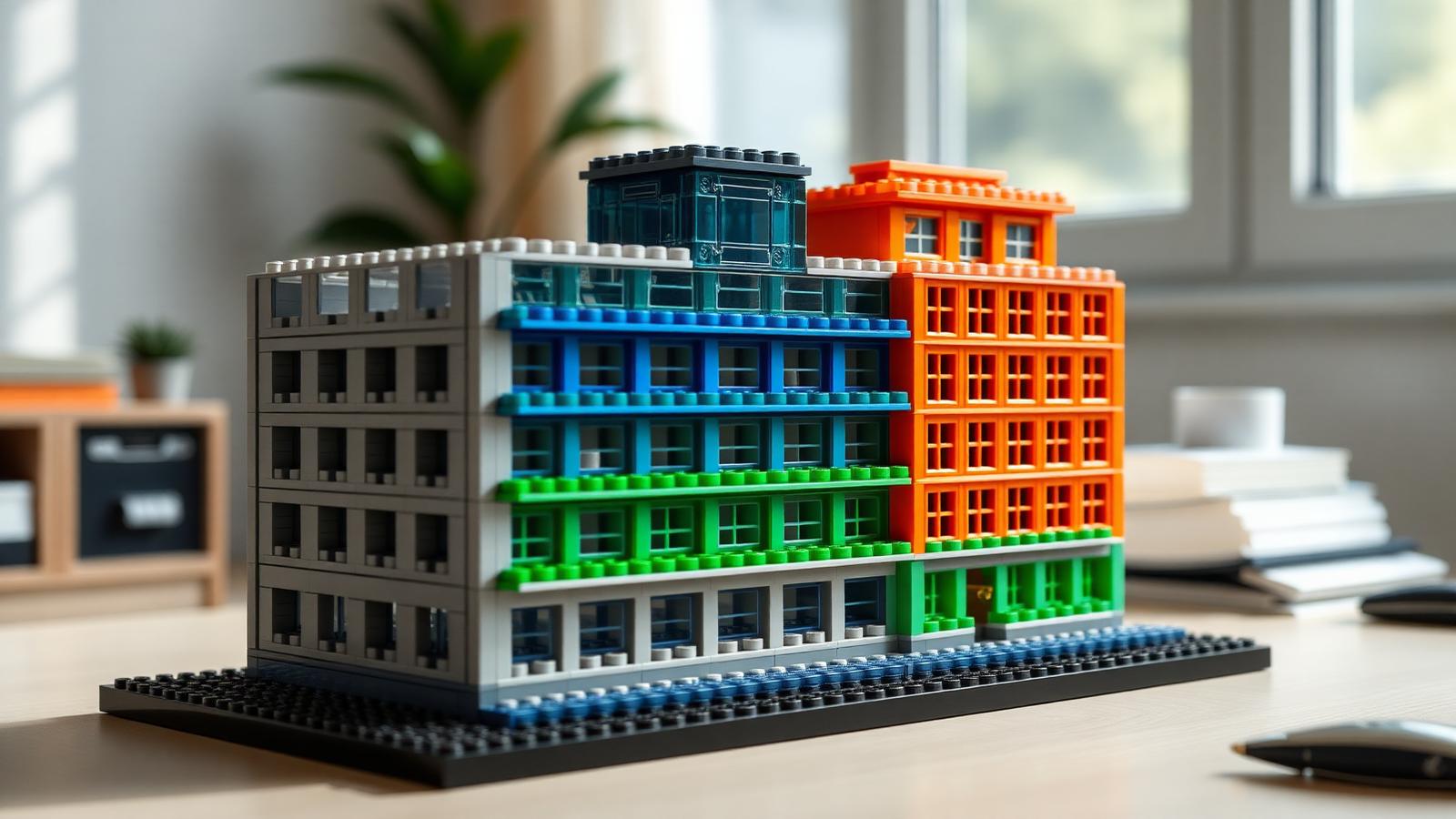
TL;DR: TOGAF's Architecture Building Blocks (ABBs) are reusable components that define what a system must do. BrickHobby brick sets give you a physical way to model these concepts—mapping TOGAF layers to real structures you build by hand. This guide walks through each step, from understanding the framework to choosing the right set and refining your design.
Enterprise architecture is an abstract discipline. Most professionals who study TOGAF—The Open Group Architecture Framework—do so through dense documentation, diagrams, and certification prep materials. The concepts stick for the exam but fade fast without a concrete mental model to anchor them.
BrickHobby changes that.
BrickHobby is a LEGO-alternative building block brand offering high-quality architectural sets for adults and enthusiasts across North America and Europe. The sets are detailed, modular, and—as it turns out—an unexpectedly effective tool for anyone learning to design and communicate enterprise architecture.
This guide explains how to apply architecture building blocks TOGAF methodology using BrickHobby physical sets. You will learn what Architecture Building Blocks are, why hands-on modeling reinforces abstract framework concepts, and how to move step by step from a blank table to a finished architectural model that mirrors real TOGAF design logic.
No prior TOGAF certification required. A BrickHobby set and some focused time are enough to get started.
What Are Architecture Building Blocks in TOGAF?
TOGAF divides architectural components into two types: Architecture Building Blocks (ABBs) and Solution Building Blocks (SBBs).
Architecture Building Blocks define what a system must do. They are technology-agnostic, reusable specifications that capture a capability or function within one of the four TOGAF architecture domains:
- Business Architecture — processes, roles, organizational units
- Data Architecture — information flows, data entities, storage models
- Application Architecture — software systems and their interactions
- Technology Architecture — infrastructure, hardware, platforms, networks
Solution Building Blocks, by contrast, define how ABBs are implemented in a specific product or technology. An ABB might specify "secure authentication capability." The SBB would be "Microsoft Active Directory."
According to The Open Group's TOGAF Standard (Version 9.2), ABBs are the foundational units architects use during the Architecture Development Method (ADM) cycle. They populate the Architecture Repository and evolve across iterations. Understanding how ABBs fit together—how they relate across layers, how they inherit from one another, how they constrain downstream design decisions—is the core skill TOGAF teaches.
The challenge is that this is hard to visualize from a document alone.
Why Use Physical Building Blocks to Learn TOGAF Concepts
Physical construction forces decisions. When you build something with bricks, you cannot leave a component undefined. You have to choose a size, a connection point, a position relative to everything else. That constraint is exactly what makes physical modeling useful for TOGAF.
Consider what happens when an architecture student reads about the Business Architecture layer. They understand it conceptually. But ask them to explain how a change in a business process propagates constraints down to the Technology Architecture layer, and the answer becomes vague.
Build that relationship physically—with a modular brick structure where one section literally supports another—and the dependency becomes obvious. Remove a lower section. The structure above collapses or requires rework. That's TOGAF logic made tangible.
BrickHobby sets are particularly suited to this because the product line includes modular architectural sets designed around real building types: office complexes, civic structures, multi-story residential buildings. These map cleanly onto enterprise architecture patterns. A multi-floor structure with distinct functional zones mirrors a layered architecture model more naturally than an abstract flowchart.
Physical modeling also supports team-based learning. Architecture review boards, enterprise architecture workshops, and agile delivery teams all benefit from shared artifacts. A BrickHobby architectural model sitting on a table during a design session invites engagement in a way that a slide deck does not.
Step-by-Step: How to Apply Architecture Building Blocks TOGAF With BrickHobby Sets
Step 1: Understanding the TOGAF Framework Before You Build
Before you pick up a single brick, spend time mapping the four TOGAF architecture domains onto your build plan. Write down one sentence for each layer:
- Business Architecture: "What does this organization do, and how is it structured?"
- Data Architecture: "What information flows through this system, and where does it live?"
- Application Architecture: "What software capabilities support these processes?"
- Technology Architecture: "What infrastructure hosts these applications?"
This exercise forces clarity. If you cannot answer these questions in plain language, you are not ready to model them physically. TOGAF's ADM Phase B through Phase D correspond directly to these four layers. Know which phase you are designing for before you build.
Step 2: Mapping TOGAF Concepts to Physical Brick Structures
The next step is translation. Each TOGAF layer maps to a physical zone or level in your BrickHobby model.
| TOGAF Layer | Physical Representation |
|---|---|
| Technology Architecture | Foundation and ground floor infrastructure |
| Application Architecture | Mid-level structural systems and connectors |
| Data Architecture | Internal corridors, pipelines, and flow paths |
| Business Architecture | Upper floors, facades, and public-facing elements |
This mapping is not arbitrary. It reflects the dependency logic of TOGAF: technology supports applications, applications handle data, data enables business processes. The foundation carries the weight of everything above it—just as your technology layer does in a real enterprise architecture.
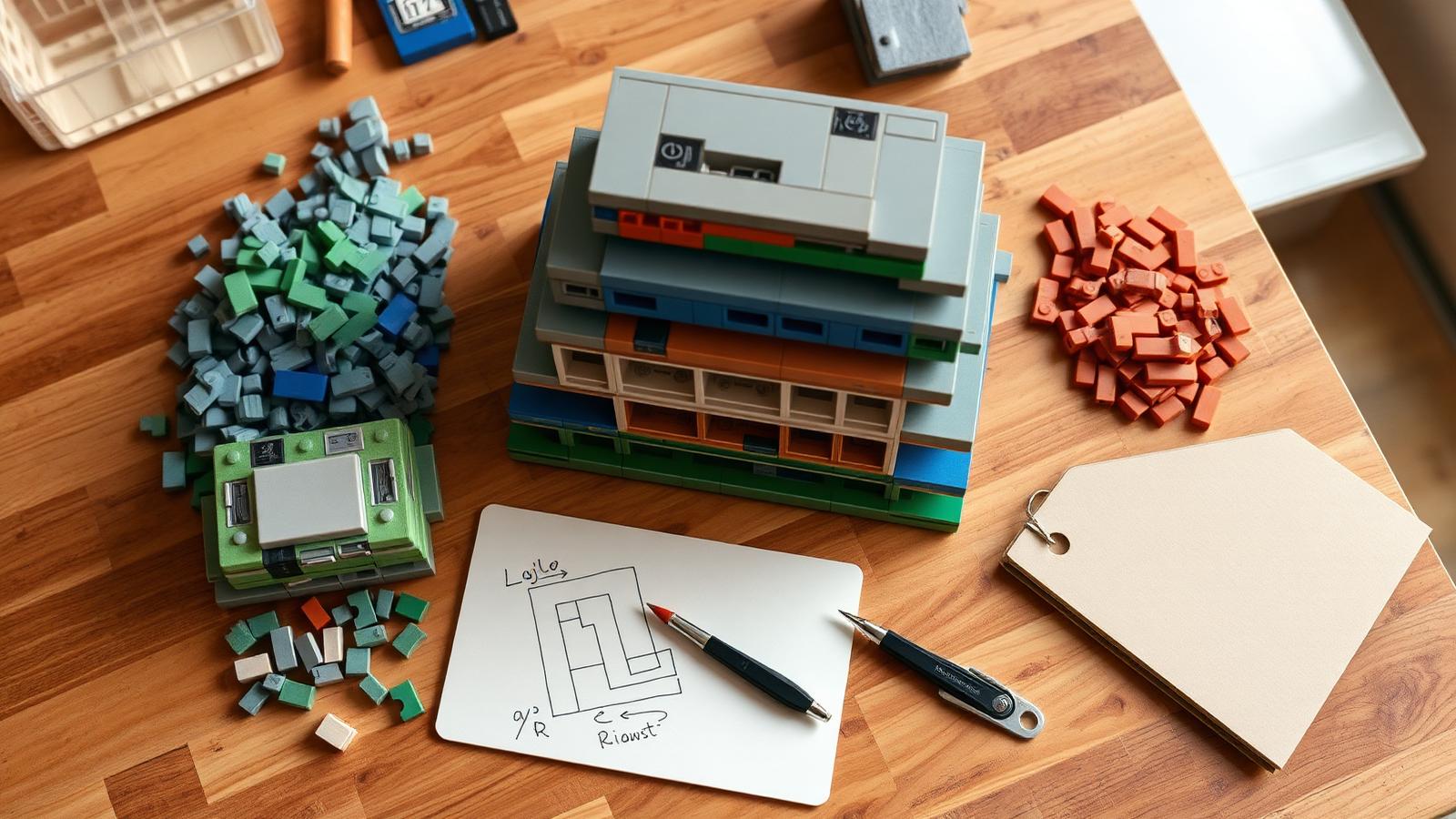
Use different brick colors to represent different ABBs. Assign a consistent color code before you build and document it. This becomes your Architecture Repository key.
Step 3: Choosing the Right BrickHobby Architecture Sets
Set selection matters. Not every BrickHobby product is suited to TOGAF modeling. You want sets that are modular, multi-level, and large enough to represent multiple zones distinctly.
Look for BrickHobby architecture sets with:
- Multiple floors or structural layers — essential for representing TOGAF's four-domain stack
- Modular connection systems — allows you to swap components when iterating on design decisions
- Large piece counts — more pieces means more granular ABB representation
- Neutral color palettes — leaves room for your own color-coding scheme
Visit BrickHobby Architecture & Landmarks to browse the full architecture set catalog. The product range includes large-scale civic and commercial building sets that work well for enterprise architecture modeling exercises.
If you are running a workshop or team exercise, consider ordering multiple compatible sets. Combining them allows you to model more complex architectures with clearly separated domains.
Step 4: Building Your Architectural Model
Start from the foundation. Build the Technology Architecture layer first. This section should be the most structurally robust—it carries everything above it. Use your chosen color code for infrastructure ABBs: servers, networks, platforms.
Move up to the Application Architecture layer. Represent software systems as distinct brick modules connected to the technology foundation below. If two applications share a data exchange, create a physical connection between them.
Build the Data Architecture as the internal connective tissue of your model. Corridors, enclosed channels, and bridging elements work well here. Data flows are often invisible in real systems—make them visible in your model.
Complete the Business Architecture at the top. This is the public-facing layer: the organized, structured, visible output of everything built below. Represent business units, roles, and processes as distinct sections with clear boundaries.
At each stage, pause and validate: does this physical structure accurately reflect the TOGAF ABB you are trying to represent? If not, adjust before moving to the next layer.
Step 5: Iterating and Refining Your Design
TOGAF is not a one-pass methodology. The ADM cycle is iterative by design. Your physical model should reflect that.
After completing the initial build, introduce a change scenario. Pick one of the following:
- A new regulatory requirement that affects the Business Architecture
- A cloud migration that changes the Technology Architecture
- A new data source that requires application integration
Now physically modify the model to accommodate that change. Track which components you removed, added, or repositioned. Document the ripple effects across layers.
This exercise demonstrates one of TOGAF's core principles: changes to one architecture domain create constraints and dependencies in others. The physical model makes those cascading effects immediately visible.
Tips for Maximizing Your Build Experience
Document as you build. Keep a simple log of which brick colors represent which ABBs. Take photos at each completed layer before moving to the next. This documentation mirrors the Architecture Repository function in TOGAF.
Label your components. Use small adhesive labels or sticky notes to tag key ABBs directly on the model. "Authentication Service," "Customer Data Store," "Payment Gateway"—name them explicitly.
Build in constraints deliberately. If a real-world ABB has a known limitation (capacity ceiling, technology dependency, compliance restriction), represent it physically. A narrower column, a smaller module, a less stable connection point.
Work in a team. Assign each team member a TOGAF domain. The Technology architect builds the foundation. The Business architect builds the top layer. Where the layers connect, negotiation happens—exactly as it does in real enterprise architecture engagements.
Use the BrickHobby community. Share your model builds and TOGAF mapping exercises with other builders. Feedback from experienced community members often surfaces design considerations you missed.
Why BrickHobby Is the Best LEGO Alternative for Architecture Enthusiasts
BrickHobby products are fully compatible with standard building block systems, giving you access to a broader parts ecosystem without the premium price point of branded alternatives.
For architecture-focused builds specifically, BrickHobby offers:
- High piece-count sets suited to detailed structural modeling
- Modular design philosophy that supports iterative building and redesign
- Architecture-specific product lines designed around real building typologies
- European and North American shipping with no hidden customs fees
Compared to standard LEGO Architecture sets, BrickHobby sets offer greater complexity at a more accessible price point—important for professionals and teams running multiple modeling workshops.
Explore the full range of architectural sets at BrickHobby architecture sets. Sets ship in 48 hours. Compatible with existing LEGO collections.
Whether you are a TOGAF practitioner looking to communicate architecture concepts more effectively, an educator running enterprise architecture workshops, or an adult builder who wants a structured creative challenge, architecture building blocks TOGAF methodology combined with BrickHobby sets delivers a genuinely practical learning tool.
Start your first model with our architecture-focused building sets, or read how to design complex brick models using software architecture principles and how to build architectural models with modular building blocks for more inspiration.
Final Thoughts: Build What You Design
TOGAF is a framework for managing architectural complexity. Physical modeling with BrickHobby sets does not replace that framework—it makes it accessible, shareable, and easier to communicate to stakeholders at every level.
The act of building forces you to resolve ambiguity. Every connection point is a decision. Every missing component is a gap in your architecture. Every structural weakness is a risk you need to document.
That is the value of applying architecture building blocks TOGAF concepts with physical brick sets. The model is not the deliverable. The thinking the model forces is.
Pick a BrickHobby architecture set. Map your domains. Build from the foundation up. Iterate when your design changes.
Good architecture is built, not drawn.
Frequently Asked Questions
What is the difference between Architecture Building Blocks and Solution Building Blocks in TOGAF?
Architecture Building Blocks (ABBs) define what a system must do—they are technology-agnostic capability specifications. Solution Building Blocks (SBBs) define how ABBs are implemented using specific products, technologies, or platforms. ABBs are defined during Architecture Design phases (ADM Phase B–D). SBBs emerge during the Opportunities and Solutions phase (Phase E).
Do I need TOGAF certification to use this modeling approach?
No. Familiarity with the four TOGAF architecture domains—Business, Data, Application, and Technology—is sufficient to begin physical modeling with BrickHobby sets. Certification provides deeper knowledge of ADM phases and governance processes, but the core ABB concepts are accessible without a formal credential.
Which BrickHobby sets are best for TOGAF architecture modeling?
Multi-level architectural sets with modular connection systems work best. Look for sets with high piece counts, multiple structural floors, and neutral color options. Browse the BrickHobby architecture category for compatible products. Sets with 500+ pieces provide enough granularity to represent multiple ABBs across distinct TOGAF layers.
Can this method be used in professional enterprise architecture workshops?
Yes. Physical modeling supports team-based architecture review sessions, stakeholder engagement workshops, and ADM iteration exercises. Multiple BrickHobby sets can be combined to represent larger, more complex architecture domains. The tactile format encourages participation from non-technical stakeholders who may disengage from diagram-only presentations.
How does iterating on a physical model relate to TOGAF's ADM cycle?
TOGAF's ADM is a cyclical methodology—architecture evolves through continuous iteration rather than single-pass design. Physical model iteration mirrors this directly. When you introduce a change scenario and modify the model, you replicate the ADM's Phase H (Architecture Change Management) process. Components removed, added, or repositioned during iteration correspond to architecture updates logged in the Architecture Repository.
Ready to build this yourself?
BrickHobby sells high-quality LEGO-alternative building block sets — the same brick standard, a fraction of the price. Browse our in-stock sets and simply contact our customer service team to place your order; we will confirm availability, pricing and worldwide shipping for you.
Keep reading

Architecture & Landmarks
Build Impressive Landmarks with Building Blocks Landmark 5 Sets
A hobbyist and family guide to building blocks landmark 5 sets — how to choose, sort, and build display-quality Eiffel Tower, Colosseum, and Taj Mahal models with BrickHobby as a LEGO alternative.
Architecture & Landmarks
How to Build Impressive Structures with Architecture Wooden Building Blocks
A step-by-step guide for hobbyists and families: how to choose a set, plan, sort, and build display-quality architecture models with wooden-style building blocks.

Architecture & Landmarks
How to Build Stunning Architectural Models with ABB Architecture Building Blocks
ABB architecture building blocks let hobbyists turn a love of buildings into display-worthy models. A complete builder's guide — planning, execution, choosing quality bricks, and showcasing the finished piece.