
How to Design Complex Brick Models Using Software Architecture Principles
The best brick builders and the best software engineers solve the same problem: how to manage complexity without the whole thing falling apart. A 5,000-piece model and a large codebase both start with a single decision that shapes everything after it. Get the structure right, and every later step gets easier. Get it wrong, and you rebuild from scratch.
This guide borrows the discipline of building blocks software architecture and applies it directly to physical brick design. You don't need to write a line of code. You need to think in modules, layers, and interfaces — the same mental tools engineers use to build systems that scale. By the end, you'll plan large models faster, fix mistakes without tearing down the whole build, and design creations you can expand for years.
Let's build. For a companion primer on modular brick planning, see our guide on modular building blocks architecture and the deeper LTE framework of layered brick architecture.
Why Software Thinking Belongs on Your Building Table
Software architects manage millions of moving parts. They do it by breaking a system into small, self-contained pieces that connect through clean rules. That exact approach solves the biggest frustration in large brick builds: complexity that spirals out of control.
Physical building and building blocks software architecture share a core truth. Both are modular systems. Both fail when parts depend on each other in messy, tangled ways. Both succeed when each section does one job well and connects to the next through a predictable interface.
Here's what this mindset gives you:
- Faster planning. Break a huge model into small units you can design one at a time.
- Easier fixes. Swap one broken module without dismantling the whole build.
- Better scaling. Add new sections without redesigning what you already built.
- Reusable designs. Save a module once, use it in ten future projects.
BrickHobby stocks large-count sets built to the standard stud size, so modules snap together across your whole collection. Browse the range at BrickHobby.
Step 1: Break the Build Into Modules
Software engineers call it decomposition. You take one massive problem and split it into small, independent chunks. Each chunk does one thing. Each chunk works on its own.
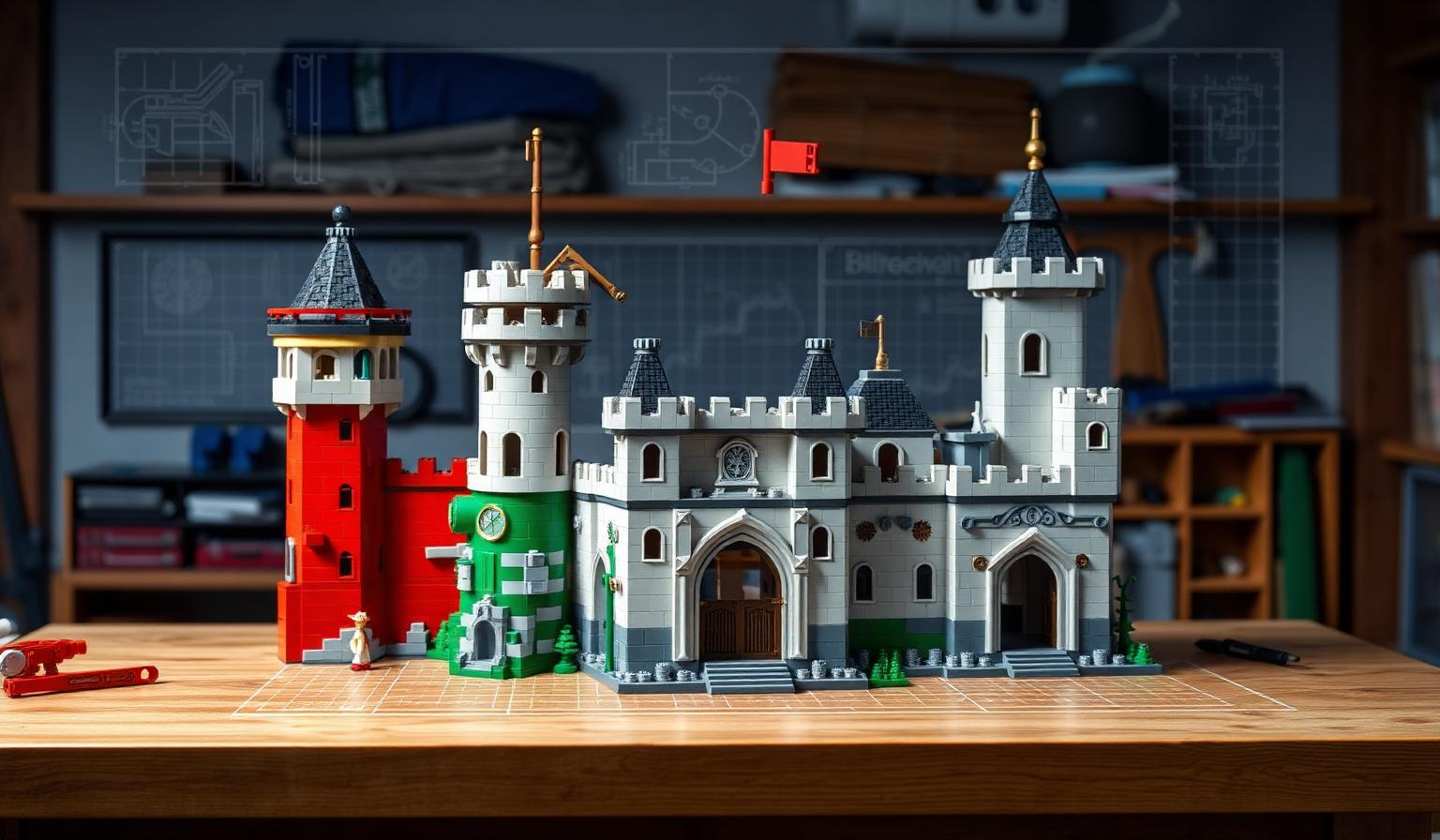
Apply this to your model before you place a single brick. A large castle isn't one build — it's a gatehouse module, a wall module, a tower module, and a courtyard module. Design each as a standalone unit.
How to decompose a model:
- List the major sections. Write down every distinct part of your build. A city block might be four buildings, a road base, and a park.
- Make each section self-contained. Every module should stand on its own base and hold together if lifted alone.
- Keep modules a manageable size. If a section takes more than an hour to design, split it further.
- Name each module. Label your trays: "Tower A," "Wall Section 2." Names keep a big project organized.
This is the heart of the building blocks software architecture approach. You never build the whole thing at once. You build small, tested pieces and combine them. A single tower that stands solid on its own is a win. Ten towers that combine into a fortress is a system.
Step 2: Design Clean Interfaces Between Modules

In software, an interface is the agreed connection point where two modules meet. One module doesn't need to know how the other works inside — it only needs to know how to plug in. This is the single most powerful idea you can steal.
For bricks, your interface is the physical connection between modules. Design it deliberately.
Rules for strong module interfaces:
- Standardize the connection. Decide that every module connects on a two-stud-deep overlap ledge. Use the same rule everywhere. Now any module fits any other.
- Keep connections at the base. Join modules through interlocking plates at floor level. This hides the seam and carries the load.
- Make interfaces removable. A good interface lets you detach a module cleanly. If you have to break bricks to separate two sections, the interface is wrong.
- Document the connection. Note the exact stud positions where modules meet. This is your contract between sections.
Get interfaces right and modules become interchangeable. Swap a damaged tower for a new one in seconds. Rearrange a city block by unplugging and reconnecting sections. For step-by-step interface techniques and connection guides, the tutorials at BrickHobby break down common joins stud by stud.
Step 3: Build in Layers
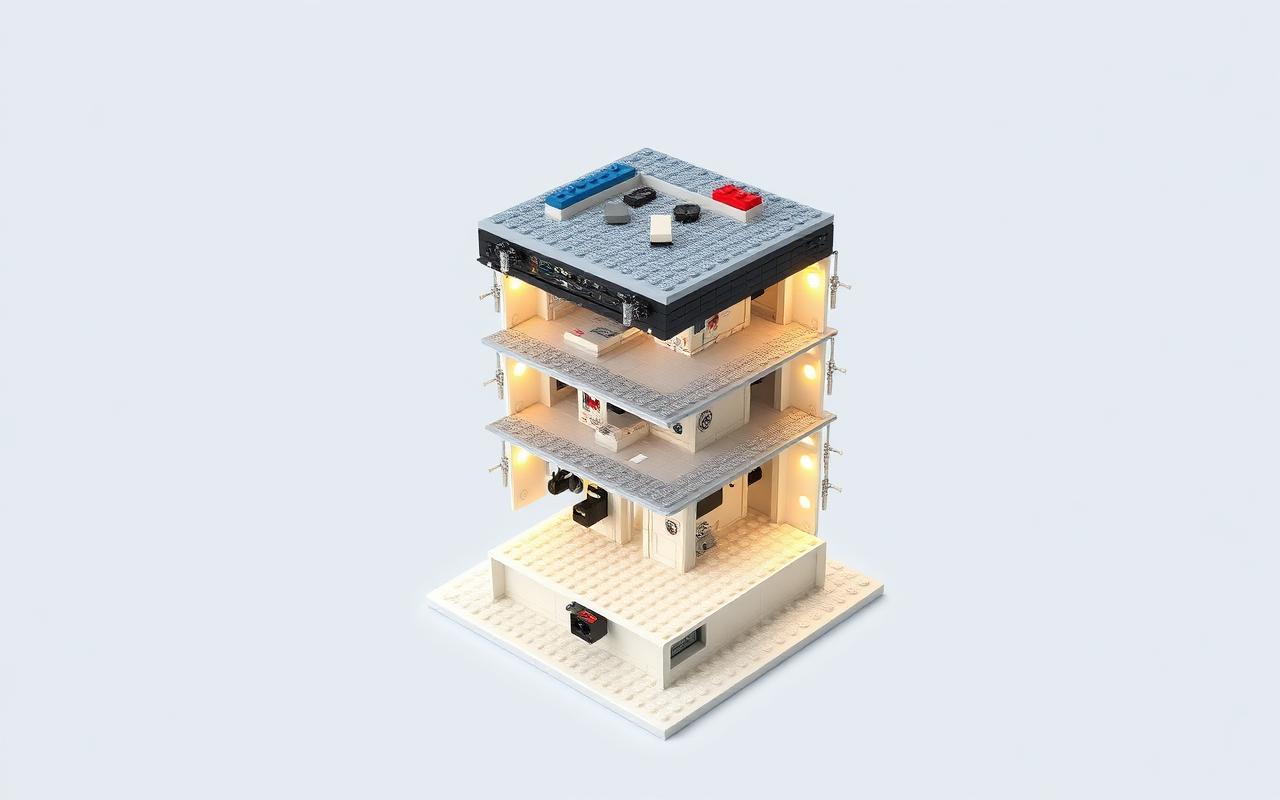
Software architects stack systems in layers. The foundation layer handles data. The logic layer handles rules. The top layer handles what the user sees. Each layer talks only to the layer next to it. This keeps the system clean.
Your model works the same way. Build it in horizontal layers, each with one job.
The four layers of a brick build:
- Foundation layer. Base plates locked together with overlapping plates underneath. This carries all the weight. Build it strong, build it first.
- Structure layer. Walls, floors, and load-bearing supports. This is the skeleton that holds the model's shape.
- Function layer. Anything that moves, lights, or opens. Motors, hinges, and light bricks live here.
- Detail layer. Tiles, printed pieces, and decoration. The visible finish that gives your model character.
Build from the bottom up and never skip a layer. A common failure is jamming detail work into a weak structure. The building blocks software architecture rule is simple: each layer must be solid before you add the one above it. Test the foundation before you build walls. Test the walls before you add lights.
Keep Layers Loosely Coupled
Coupling means how much one part depends on another. Tight coupling is bad — change one thing and everything breaks. Loose coupling is good — parts stay independent.
In bricks, avoid designs where the roof holds up the walls, or where removing one decorative piece drops a whole section. Each layer should support itself. The detail layer should lift off without touching the structure. Loose coupling is why you can repair or upgrade one part without a full teardown.
Step 4: Plan for Reuse With a Module Library
Good engineers never write the same code twice. They build a library of reusable components and pull from it on every project. You can do the same with brick modules.
Once you design a module that works — a perfect window frame, a solid corner joint, a reliable four-stud hinge — save the design. Photograph it. Note the piece list. This becomes part of your personal module library.
How to build a reusable module library:
- Standardize your best solutions. When a window design works, use the same one everywhere.
- Record the piece count. Note exactly what each module needs so you can rebuild it fast.
- Group by function. Windows, doors, roofs, connectors — organize your library by what each part does.
- Reuse across projects. A corner joint from your castle works just as well on your next tower.
This mirrors how software teams share components across many programs. A well-stocked module library turns your next large build from a blank page into an assembly job. You're combining proven parts, not reinventing them. To restock the standard bricks these modules depend on, the sets at BrickHobby cover the common shapes and colors.
Step 5: Test Each Module Before Integration
Engineers test every component alone before combining them into the full system. They call it unit testing. Skip it and bugs hide until the whole system runs, at which point they're a nightmare to find.
Apply the same rule. Test every module on its own before you connect it.
Your module test checklist:
- Lift test. Pick the module up by one corner. Does it hold together?
- Stress test. Press on the weak points. Do any seams split?
- Interface test. Does the connection ledge line up exactly with the standard you set?
- Function test. If the module moves or lights, run it a dozen times before sealing it.
Catch a problem in one small module and the fix is quick. Catch it after you've combined ten modules and you're tearing apart a finished build. Testing early is the cheapest habit in both software and brick design.
Step 6: Integrate, Then Refine
With every module built, tested, and ready, integration is the easy part. You're plugging tested pieces into known connection points.
Integration sequence:
- Place the foundation modules first. Lock the base layer together across the whole build.
- Connect structure modules in order. Work from one side to the other so alignment stays true.
- Test the full assembly. Lift a section gently. Check every interface holds under the combined weight.
- Add function and detail layers last. Once the structure is locked and stable, finish with movement and decoration.
After integration, step back and refine. Look for gaps at the seams, uneven heights between modules, or interfaces that don't sit flush. Because your build is modular, fixing any of these means adjusting one section, not the whole model.
Common Mistakes to Avoid
Even skilled builders repeat the same errors when they scale up. Watch for these.
- Skipping decomposition. Building a huge model as one giant piece leads to a tangled mess you can't fix or move.
- Inconsistent interfaces. If every module connects differently, nothing is interchangeable. Standardize the join.
- Tight coupling. When one piece holds up three others, a single failure collapses the section. Keep parts independent.
- Skipping the layer order. Detail work on a weak structure always fails. Build foundation, structure, function, detail — in that order.
- No testing before integration. Combining untested modules hides problems until they're expensive to fix.
- Never reusing. Redesigning the same window ten times wastes hours. Build a library once, use it forever.
Avoid these and even a massive build stays manageable from first brick to last.
Bring Your Build to the Community
Explore more guides in our Architecture & Landmarks collection for module libraries and connection patterns you can reuse.
The best part comes after integration. Builders across North America and Europe share modular designs every day, and the exchange makes everyone sharper.
Post your finished model and, more importantly, share your module designs. A clean corner joint or a reliable connection system helps other builders as much as the full model does. This is exactly how software communities share reusable components, and the brick community works the same way.
Try a modular build challenge. Design a city where every builder contributes one standardized module that connects to the rest. Swap module libraries with other builders. Every shared design helps a newcomer skip the trial and error you already worked through.
Bringing It All Together
Designing large brick models is a systems problem, and systems thinking solves it. Break the build into modules. Connect them through clean, standard interfaces. Stack your work in layers, each solid before the next. Save your best solutions in a reusable library. Test every module alone, then integrate tested pieces into the full model.
The discipline behind building blocks software architecture turns an overwhelming 5,000-piece project into a series of small, manageable wins. Start your next build by listing its modules, and design the first one today.
Frequently Asked Questions
What does building blocks software architecture have to do with physical brick building?
Both are modular systems that manage complexity the same way. The principles of building blocks software architecture — decomposition, clean interfaces, layering, and reuse — apply directly to designing large brick models. You break a big build into small independent modules, connect them through standardized joins, and stack your work in layers. The result is a model that's easier to plan, fix, and expand, just like well-architected software.
Do I need programming experience to use these methods?
No. You don't write any code. You borrow the thinking, not the tools. The ideas — split a big problem into small pieces, connect them cleanly, test each part before combining — are plain design logic. Anyone who has felt overwhelmed by a large build can use them right away. If you happen to work in software, you'll recognize the patterns instantly, which makes the approach a natural fit for STEM-minded builders.
What is a module interface in a brick build?
An interface is the agreed connection point where two modules meet. In practice, it's a standard rule you set — for example, every module connects through a two-stud-deep overlap ledge at base level. Because every module follows the same rule, any module fits any other. This lets you swap, rearrange, and repair sections without tearing apart the whole model.
How big should each module be?
Keep modules small enough to design and test in about an hour. If a section takes longer, split it into smaller units. Each module should stand on its own base and hold together when lifted alone. Small, self-contained modules are faster to build, easier to fix, and simple to reuse across future projects.
Are BrickHobby sets suitable for this kind of modular building?
Yes. Sets built to the standard 8mm stud size connect cleanly across your whole collection, which is essential for modular design. You can pull standard bricks, plates, and connectors from any set to build and combine modules. Consistent stud dimensions mean your standardized interfaces line up every time, so modules stay interchangeable no matter which set the pieces came from.
Ready to build this yourself?
BrickHobby sells high-quality LEGO-alternative building block sets — the same brick standard, a fraction of the price. Browse our in-stock sets and simply contact our customer service team to place your order; we will confirm availability, pricing and worldwide shipping for you.
Keep reading

Architecture & Landmarks
Build Impressive Landmarks with Building Blocks Landmark 5 Sets
A hobbyist and family guide to building blocks landmark 5 sets — how to choose, sort, and build display-quality Eiffel Tower, Colosseum, and Taj Mahal models with BrickHobby as a LEGO alternative.
Architecture & Landmarks
How to Build Impressive Structures with Architecture Wooden Building Blocks
A step-by-step guide for hobbyists and families: how to choose a set, plan, sort, and build display-quality architecture models with wooden-style building blocks.

Architecture & Landmarks
How to Build Stunning Architectural Models with ABB Architecture Building Blocks
ABB architecture building blocks let hobbyists turn a love of buildings into display-worthy models. A complete builder's guide — planning, execution, choosing quality bricks, and showcasing the finished piece.