
How to Design Original Architecture Models With a Monochrome Brick Set
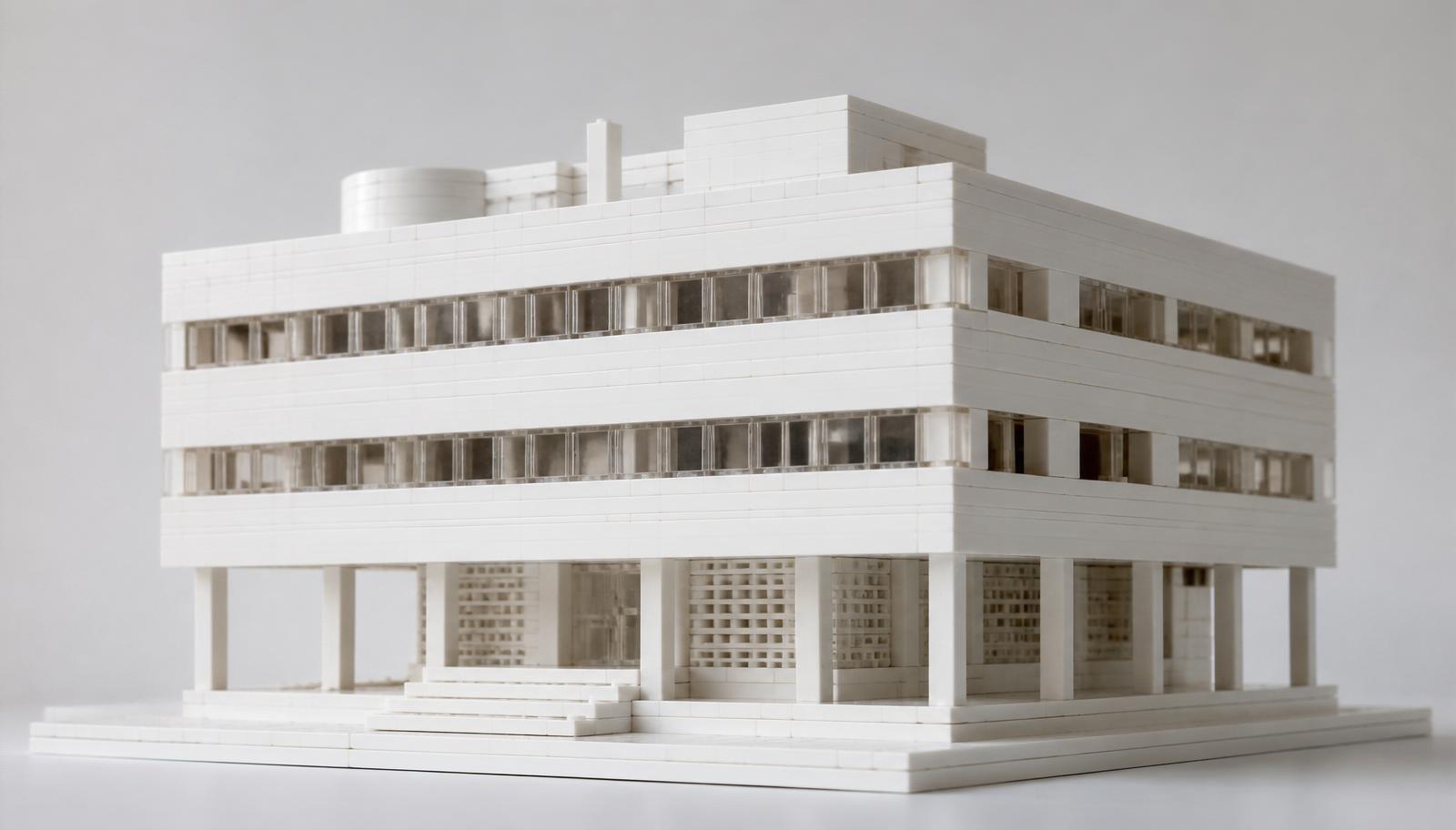
Great architecture models don't start with color. They start with form. Strip away every distraction and you're left with pure shape, proportion, and light. That's the whole idea behind the LEGO Architecture Studio 21050 building blocks set approach: build in a single color so you learn to see structure the way a real architect does.
This guide is for adult builders who want to design their own buildings, not just follow a numbered instruction booklet. You'll learn how to plan a facade, master proportion, use monochrome bricks to sharpen your eye, and turn a loose idea into a finished model worth displaying.
By the end, you'll know how to:
- Set up a monochrome workflow that speeds up design
- Build believable facades, roofs, and setbacks
- Fix the proportion mistakes that make models look wrong
- Take a concept from sketch to shelf
Let's build.
Why Monochrome Building Changes How You Design
Color hides flaws. A bright red wall next to a blue roof grabs your eye and covers up bad proportions underneath. Remove the color and every mistake shows.
That's the point. When you build in one shade — usually white or light gray — you're forced to solve the real design problems: mass, rhythm, depth, and balance. This is exactly the principle behind the LEGO Architecture Studio 21050 building blocks set concept, and it's why serious model designers keep a stash of single-color bricks on the bench.
Monochrome building gives you three clear advantages:
- Faster decisions. No time wasted matching colors. You focus on shape alone.
- Sharper proportion sense. Errors in scale and spacing become obvious.
- Cleaner display value. A white model reads as pure architecture, not a toy.
BrickHobby stocks large-count single-color brick sets built to the standard stud size, so your monochrome pieces snap onto any collection you already own. Browse the Architecture collection to start your build.
Study Real Buildings Before You Touch a Brick
Design starts with observation, not assembly. The best architecture models come from builders who look hard at real structures first.
Pick one building you admire. It could be a modernist house, a downtown tower, or a historic town hall. Study it from photos taken at different angles. Notice how the windows repeat, where the walls step back, and how the roofline meets the sky.
What to look for:
- Rhythm. How often do windows and columns repeat across the facade?
- Proportion. How tall is the building compared to its width?
- Depth. Where do walls push out or pull back to create shadow?
- Base and cap. How does the building meet the ground, and how does it finish at the top?
Sketch a rough front view on paper. You don't need to draw well. You need to count — count window bays, count floor levels, count the steps in the massing. Those numbers become your brick plan.
Plan Your Scale and Footprint
Scale decides everything else. Choose it before you build a single wall.
A common studio-style scale puts each floor at roughly three or four brick heights. Windows sit within that band. Pick a scale and hold to it across the whole model, or your proportions will drift.
Set your footprint:
- Decide the width in studs. A small building might span 16 studs. A larger structure could run 32 or more.
- Lock the base with plates underneath so sections don't split.
- Mark where the main walls, entrances, and setbacks will sit.
- Leave room around the edges for steps, planters, or a plaza.
Sort your bricks before you begin. Group plates, bricks, tiles, slopes, and specialty pieces into separate trays. With a monochrome build you're not sorting by color, so sort by shape and size instead. This one habit cuts build time in half.
Build the Facade — The Face of Your Model
The facade is what people see first. Get it right and the rest follows.
Start with the ground floor. This is usually the most detailed level, with the main entrance, larger openings, and often a different texture than the floors above. Build it as a solid, well-anchored base.
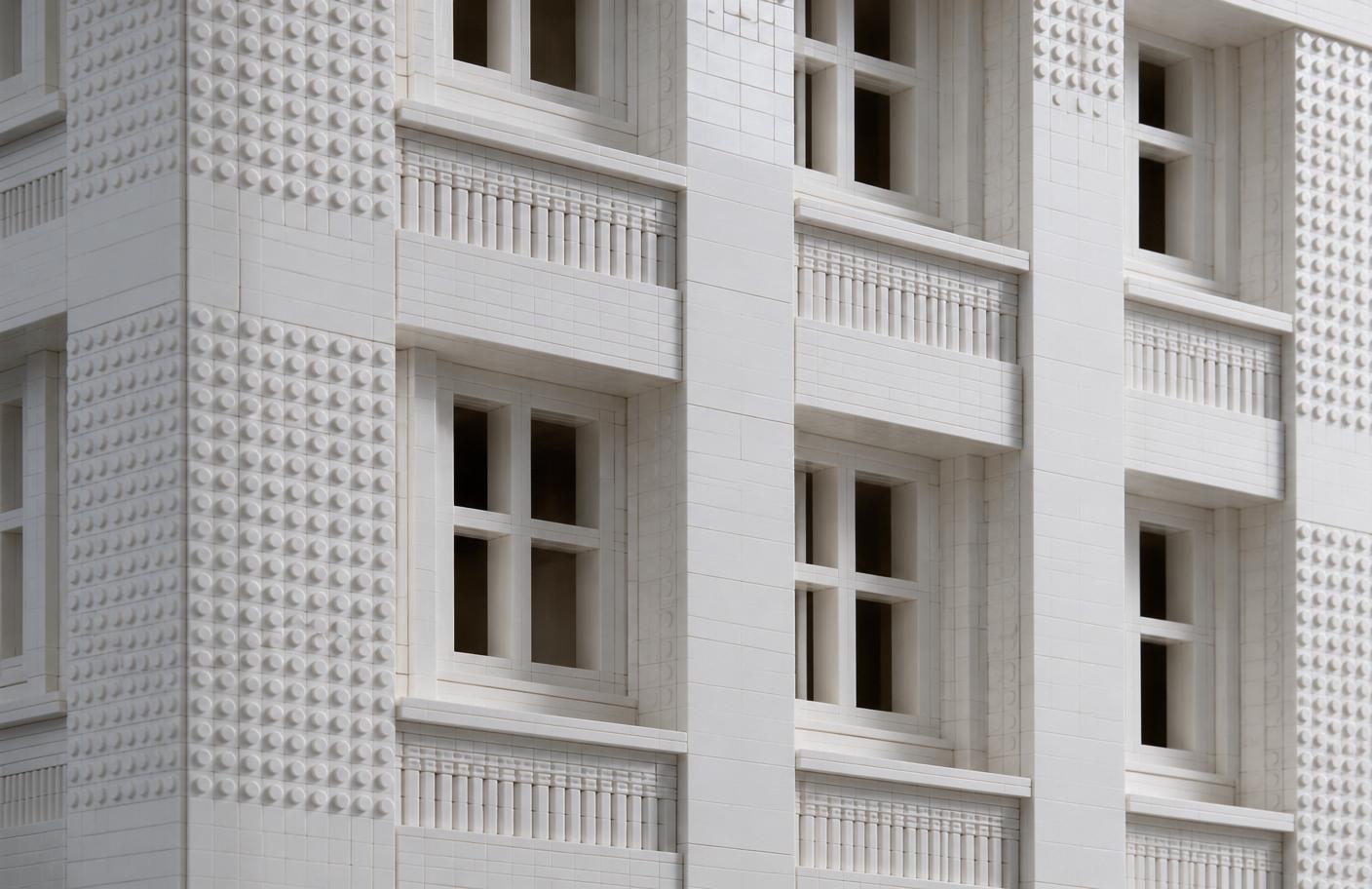
Then work upward, floor by floor. The key skill here is rhythm. Real buildings repeat their windows at even intervals. Space your window openings the same number of studs apart on every floor and your model instantly reads as architecture.
Facade building techniques:
- Recessed windows. Set window openings one plate deep to create shadow lines. Flat facades look dead. Recessed ones look real.
- Vertical emphasis. Use tall, thin elements to draw the eye upward on a tower.
- Horizontal banding. Run a line of tiles or plates between floors to mark each level cleanly.
- Texture shifts. Mix smooth tiles and studded bricks to suggest different materials without adding color.
The LEGO Architecture Studio 21050 building blocks set method leans hard on these techniques. Because everything is one color, shadow and texture do all the work that color normally does. Master recessed openings and banding, and your monochrome model will hold its own next to any full-color build.
Handle Setbacks, Roofs, and the Skyline
The top of your model matters as much as the front. A flat, abrupt roofline kills an otherwise strong build.
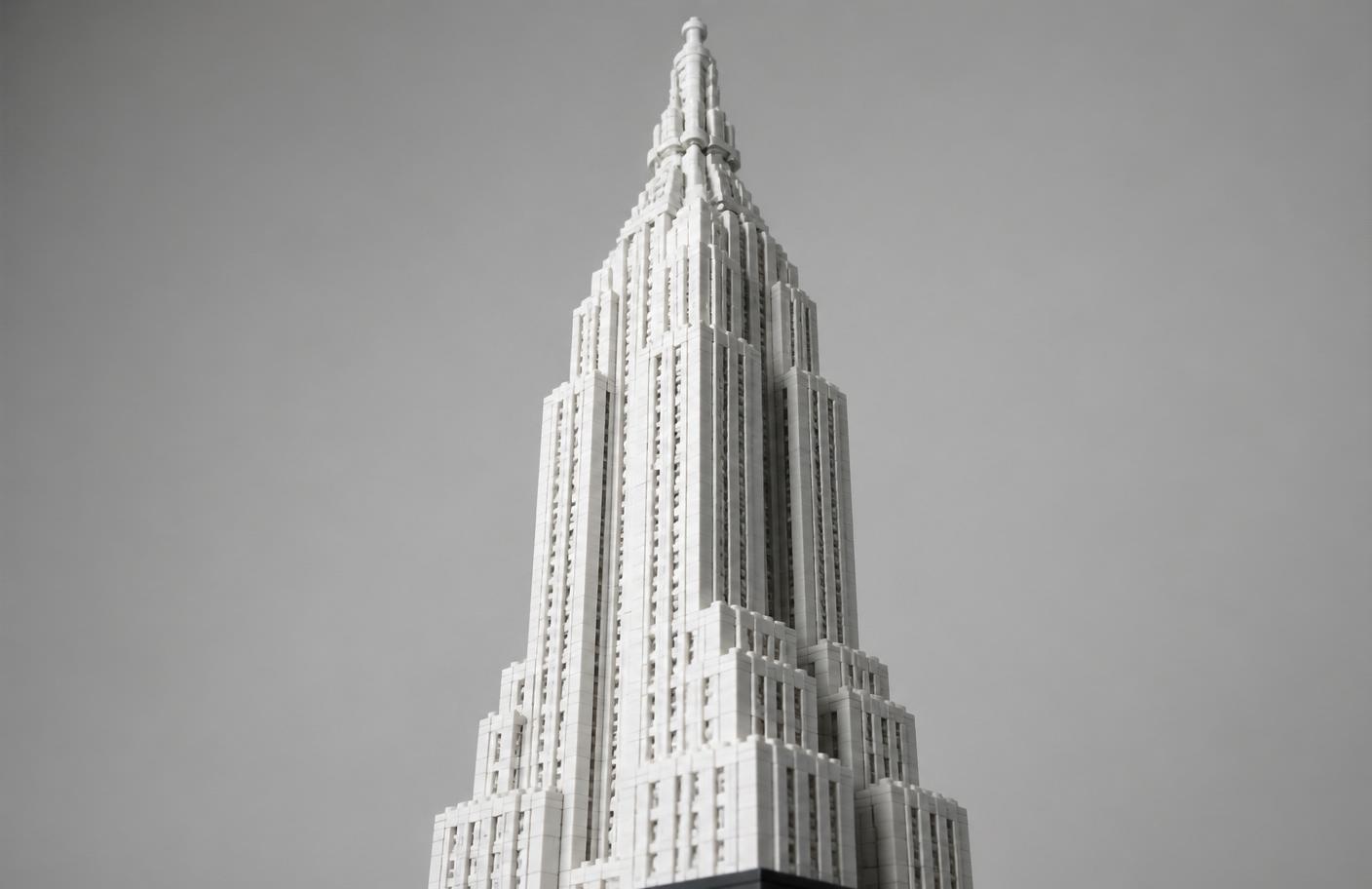
Setbacks are the stepped reductions in a building's mass as it rises. Classic skyscrapers use them. To build a setback, simply reduce your footprint on higher floors, pulling the walls inward by a few studs each level. This creates the tapered, layered look of a real tower.
Roof options for architecture models:
- Flat roof with detail. Add rooftop units, railings, and a raised parapet edge. Flat doesn't mean empty.
- Sloped roof. Use slope bricks for houses and low-rise buildings. Keep the pitch consistent on both sides.
- Stepped crown. Cap a tower with a smaller stacked section for a landmark silhouette.
Watch your symmetry. Uneven eaves or a lopsided crown is the first thing a viewer notices. Count studs on both sides of every level to keep the massing balanced.
Add Ground-Level Detail
A building floating on a bare plate looks unfinished. The ground level ties your model to a place.
Add these elements to complete the scene:
- Entry steps or a ramp leading to the main door
- A plaza or sidewalk using smooth tiles
- Planters, low walls, or trees to soften the base
- A nameplate or address on a printed or built sign
- Street furniture like benches or lamp posts
Keep it monochrome if you want the pure architectural look, or add one restrained accent color at ground level to draw the eye. Restraint is the rule. One color choice reads as intentional. Five reads as clutter.
Refine, Photograph, and Display
Before you call it finished, step back and look hard. The refining stage separates a decent model from a display piece.
Final review checklist:
- All sections locked together tightly
- Window bays evenly spaced on every floor
- Setbacks symmetrical on both sides
- No gaps in walls or roof
- Base plate clean and complete
Photograph your build in soft, angled light. Side lighting throws shadows into your recessed windows and banding, which is exactly where monochrome models shine. Shoot from a low angle to make the building feel tall and grand.
Display your model somewhere with steady light and low dust. A glass case protects the fine tile work over time. Rotate it now and then so every face gets seen.
Tips for Builders of Every Level
Everyone approaches architecture models differently. Here's how to adapt this method to your experience.
For beginners: Start with a simple box-shaped building, four to six floors, with evenly spaced windows. Master rhythm and proportion before you attempt setbacks or curves. Follow your paper sketch closely.
For intermediate builders: Add recessed windows, texture shifts, and a stepped roofline. Try replicating a real building from your own city. Working from a real reference sharpens your eye fast.
For advanced builders and creators: Design from scratch with no reference. Experiment with curved facades using clip and hinge pieces. Build a matched set of monochrome models to create a small city block with a unified, gallery-style look.
Common Mistakes to Avoid
Even experienced builders trip over the same problems when they design their own architecture. Watch for these.
- Skipping the sketch. Building without a plan leads to drifting proportions and wasted pieces.
- Uneven window spacing. Nothing breaks the architectural look faster than mismatched bays.
- Flat, shadowless facades. Without recessed openings and banding, monochrome walls look blank.
- Ignoring the roofline. An abrupt flat top wastes the model's silhouette.
- Too many accent colors. One restrained accent works. Five turns your model back into a toy.
- Weak foundations. A base that isn't locked with plates underneath splits when you lift it.
Avoid these and your model will read as real architecture on any shelf.
Bring Your Build to the Community
The best part comes after the last brick clicks. Builders across North America and Europe share original architecture models every day, and the feedback makes everyone sharper.
Post your finished build from several angles. Note your scale, your window rhythm, and any techniques you invented along the way. Other builders learn from your choices, and you pick up ideas for your next design.
For more design walkthroughs, browse the Architecture & Landmarks blog for related builds and technique deep-dives.
Bringing It All Together
Designing original architecture models is a skill you build, not a talent you're born with. Study real buildings. Set a scale and hold to it. Build facades with rhythm, depth, and clean banding. Cap your model with a considered roofline, ground it with detail, and refine until it reads as pure structure.
The monochrome method behind the LEGO Architecture Studio 21050 building blocks set concept teaches you to see form the way an architect does. Strip out the color, solve the real design problems, and your models improve fast. Start with one simple building today, and design your next one from scratch.
Frequently Asked Questions
What is the LEGO Architecture Studio 21050 building blocks set concept about?
The LEGO Architecture Studio 21050 building blocks set concept centers on open-ended design using single-color bricks. Instead of following instructions to build one fixed model, you get a large supply of monochrome pieces and design your own structures. Building in one color forces you to focus on form, proportion, and light rather than relying on color to carry the model.
Do I need special pieces to build architecture models?
No. You can build strong architecture models with standard bricks, plates, tiles, and slope pieces. Tiles create smooth facades, slopes handle roofs, and plates let you recess windows for shadow. Specialty clip and hinge pieces help with curves, but they're optional.
Why build in one color instead of full color?
Monochrome building sharpens your design skills. Color hides proportion errors and uneven spacing, while a single shade exposes them. Working in one color pushes you to solve the real problems of mass, rhythm, and depth.
Are these building blocks compatible with sets I already own?
Yes. Sets built to the standard 8mm stud size connect with pieces from other major systems, so your monochrome architecture bricks snap onto your existing collection.
How long does it take to build an original architecture model?
Build time depends on size and detail. A simple six-floor building takes most designers three to five hours once the plan is set. A detailed tower with setbacks, texture shifts, and a full ground-level scene can fill a weekend.
Ready to build this yourself?
BrickHobby sells high-quality LEGO-alternative building block sets — the same brick standard, a fraction of the price. Browse our in-stock sets and simply contact our customer service team to place your order; we will confirm availability, pricing and worldwide shipping for you.
Keep reading
Architecture & Landmarks
Build Impressive Landmarks with Building Blocks Landmark 5 Sets
A hobbyist and family guide to building blocks landmark 5 sets — how to choose, sort, and build display-quality Eiffel Tower, Colosseum, and Taj Mahal models with BrickHobby as a LEGO alternative.
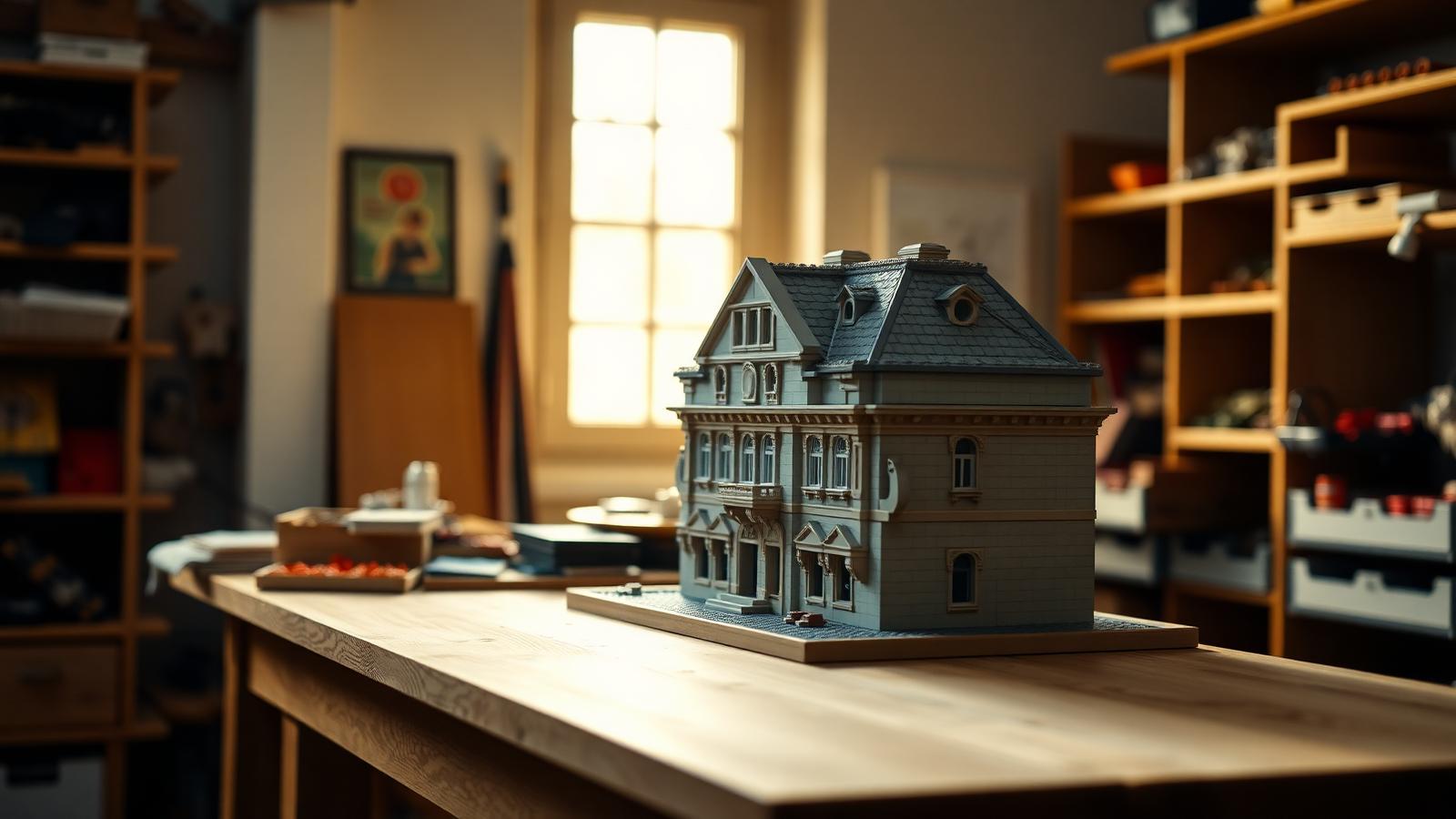
Architecture & Landmarks
How to Build Impressive Structures with Architecture Wooden Building Blocks
A step-by-step guide for hobbyists and families: how to choose a set, plan, sort, and build display-quality architecture models with wooden-style building blocks.
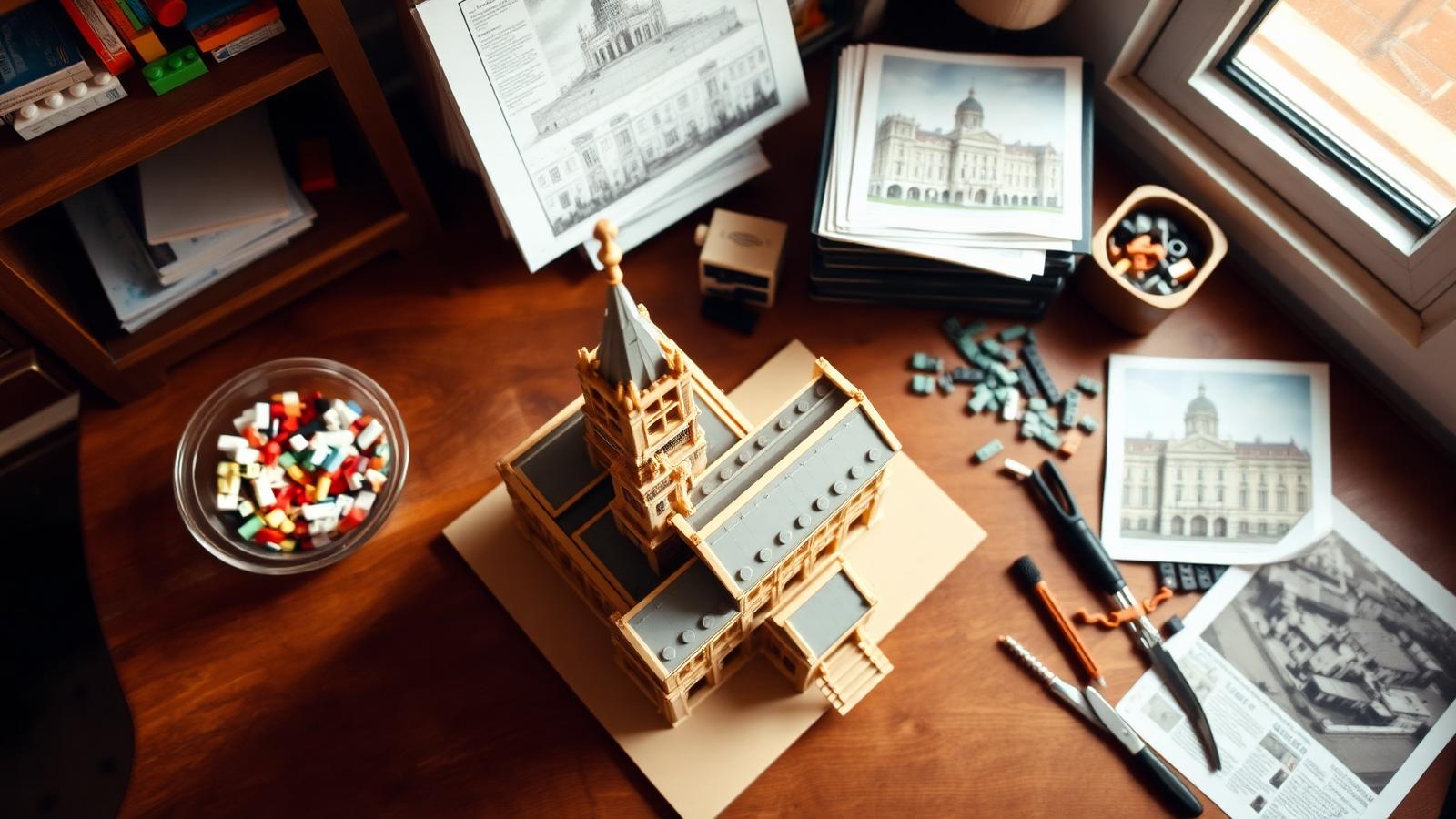
Architecture & Landmarks
How to Build Stunning Architectural Models with ABB Architecture Building Blocks
ABB architecture building blocks let hobbyists turn a love of buildings into display-worthy models. A complete builder's guide — planning, execution, choosing quality bricks, and showcasing the finished piece.