
How to Build Better MOCs Using Software Architecture Principles
How to Build Better MOCs Using Software Architecture Principles
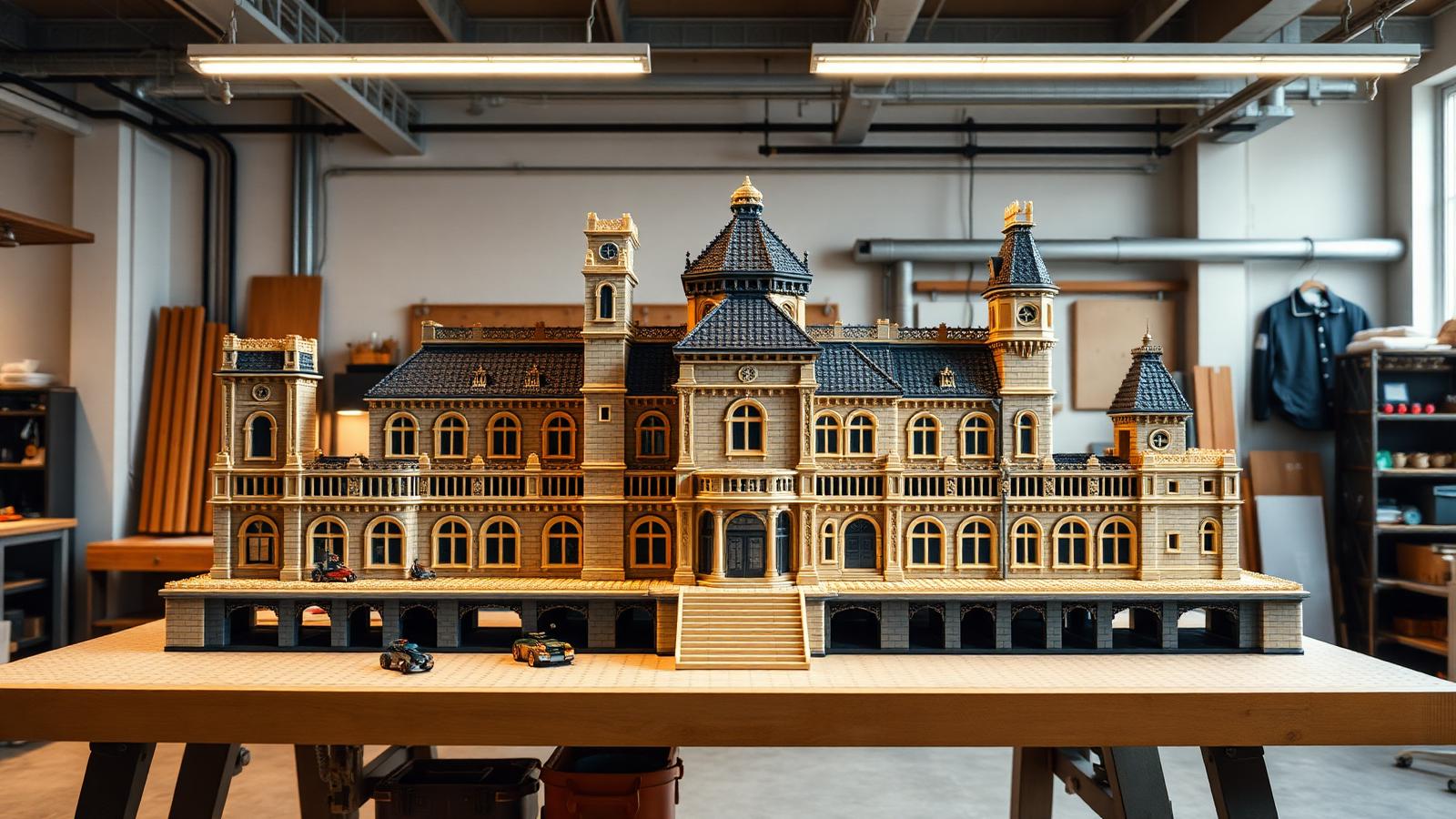
Software engineers solve big problems the same way builders do. They break the whole into small parts. They connect those parts with clear rules. They plan for growth. Sound familiar? It should. It is exactly how you build a great brick MOC.
This guide borrows real ideas from software architecture building blocks and turns them into a practical building method. No coding needed. Just a smarter way to plan, build, and grow your models.
You will learn how to design in modules. How to connect them cleanly. How to layer your build. And how to scale it without starting over. Let's get into it.
Why Software Thinking Helps Physical Builds
A large MOC is a system. Many parts. Many connections. Many points that can fail.
Software teams face the same problem. Millions of lines of code. Thousands of connections. They learned to manage this with clear rules. Those rules work for bricks too.
Here is the core idea. Software architecture building blocks are self-contained units that do one job well. They connect through fixed points. They stack into layers. They grow without breaking what came before.
Swap "code" for "bricks" and the whole method transfers. Your stadium, spaceship, or castle becomes a set of clean modules. Easy to build. Easy to fix. Easy to expand.
If you want deeper background on the pattern itself, our architecture building blocks examples and planning guide walks through the same ideas from the software side.
Quick summary: Big builds are systems. Software rules manage systems well. Use them.
Principle 1: Modularity — Build in Sections
Modularity is the first rule. It means one thing. Build small parts that stand alone.
In software, a module is a block of code that does one job. It works on its own. You can swap it out without breaking the rest. Bricks work the same way when you plan them right.
How to Modularize a MOC
Break your model into sections before you build.
- A stadium splits into pitch, stands, roof, and floodlights.
- A spaceship splits into cockpit, hull, wings, and engines.
- A castle splits into walls, towers, gate, and courtyard.
Build each section as its own unit. Finish it. Test it. Set it aside. Then move to the next.
Why This Works
Modular building gives you three wins.
- Fix one part, not the whole. A broken tower comes off. The rest stays put.
- Build in any order. Start with the fun part. Save the hard part for later.
- Reuse sections. A good tower design works on your next castle too.
A stable base helps every module lock in place. Quality bricks with tight clutch power make modular builds hold. Browse the Architecture & Landmarks category for module-friendly set reviews to start your parts bin right.
Quick summary: Split your build into standalone sections. Fix, swap, and reuse them freely.
Principle 2: Connectors — Plan Your Joints Like APIs
In software, an API is a connection point. It is a fixed rule for how two parts talk. One module plugs into another through the API. Neither needs to know the other's inner details. They just need to match at the connection.
Your brick modules need the same thing. A fixed, planned joint where sections meet.

Design Your Connection Points First
Before you build two sections, decide how they join. This is the most skipped step. It is also the most important.
- Pick the joint size. Will sections meet on a 4-stud edge? An 8-stud edge? Fix the number.
- Use a standard connector. Technic pins, brackets, or a row of studs. Pick one and use it at every joint.
- Leave the connection open. Do not bury a joint under detail. Keep it reachable.
Why Fixed Joints Matter
Match your joints and any module fits any other. A wall section snaps to a tower. A new wing clicks onto the hull. No rebuild needed.
This is the power of clean connectors. You design each module to a shared joint spec. Then everything fits, the same way software modules connect through a shared API. For a broader take on this thinking, see our guide on designing brick models with software architecture principles.
Quick summary: Plan every joint before you build. A shared connector spec makes all modules fit.
Principle 3: Layering — Stack Your Build in Levels
Software uses layers. A data layer at the bottom. Logic in the middle. The user screen on top. Each layer sits on the one below. Each does its own job.
Brick builds have natural layers too. Use them on purpose.
The Three Layers of a MOC
- Foundation layer. The base. Baseplates locked with plates underneath. This carries all the weight. Build it strong first.
- Structure layer. The walls, floors, and frames. This gives the model its shape. It sits on the foundation.
- Detail layer. The surface. Tiles, greebles, printed parts, and color work. This is what people see.
Build Bottom-Up
Always build from the bottom layer up. A weak foundation ruins the layers above. Lock your base before you add structure. Finish your structure before you add detail.
This order saves rework. You never tear down a detailed wall to fix a loose base. The layer below is always solid before you build on it.
For layered thinking applied to enterprise-scale systems (and how it maps back to bricks), see our TOGAF architecture building blocks guide.
Quick summary: Build in three layers. Foundation, structure, detail. Bottom-up, every time.
Principle 4: Scalability — Design for Growth
Good software grows. You add users. You add features. The system holds because it was built to scale from day one.
Your MOC should grow the same way. Today it is a single building. Next month it is a city block. Plan for that now.
How to Build for Scale
- Use a grid. Set a base unit. Say a 16x16 tile. Build every section to fit that grid. New sections snap onto the edges.
- Keep edges open. Leave stud connections on the outer edges. These are your growth points.
- Match your standard. Build every new module to the same joint spec. Then it plugs into the whole.
A Real Example
Start with one house on a 16x16 base. Leave studs on all four edges. Later, build a second 16x16 house. Snap it to the first. Add a road module. Add a park module. Your city grows one grid unit at a time.
You never rebuild the first house. It was designed to scale from the start. That is the whole point. For a full smart-city scaling example, read our IoT architecture building blocks guide.
Quick summary: Pick a grid. Keep edges open. Match your spec. Grow one unit at a time.
Principle 5: Reusable Components — Build a Parts Library
Software teams keep a library of reusable parts. Common blocks they use again and again. They do not rebuild the same thing twice.
Smart builders do this too. You design a good part once. Then you reuse it everywhere.
Components Worth Reusing
- A window frame. Design one clean window. Use it across a whole building.
- A wall section. A repeatable 8-stud wall panel builds a long wall fast.
- A crowd block. A patch of 1x1 round studs fills stands in one press.
- A tree or lamp. Small scene parts you use in every layout.
Build a Template
Design each component once. Note the part list. Now you can rebuild it any time. Ten identical windows go up fast when you know the exact parts.
This saves time and gives your model a clean, consistent look. Repetition reads as intentional design, not laziness. The best builds use it on purpose. If you build with smaller scales, our mini building blocks architecture guide shows how reusable micro-components carry huge visual weight.
Quick summary: Design a part once. Reuse it many times. Keep a template for each.
Principle 6: Documentation — Keep Build Notes
Software teams write down how the system works. New people read the notes and get up to speed fast. The notes save the whole team time.
Your MOC needs notes too, especially a big one. You will forget how a section came apart. Notes fix that.
What to Document
- Section list. Every module and what it does.
- Joint specs. How each section connects. Stud count and connector type.
- Part lists. The exact parts for each reusable component.
- Build order. Which layer and section to build first.
Why It Pays Off
A documented MOC comes apart and goes back together with no guessing. You can hand it to a friend. You can rebuild it after a move. You can share the design online for others to build.
This is what turns a one-time build into a repeatable design. It is the difference between a model and a system. For a data-center-style documentation frame you can copy, see our cloud architecture blueprint for brick data centers.
Quick summary: Write down sections, joints, parts, and order. Notes make any build repeatable.
Putting It All Together: A Build Workflow
Here is the full method in order. Follow it for your next big MOC.
- Plan modules. Split the model into standalone sections.
- Set joint specs. Fix how sections connect. One shared connector.
- Set a grid. Pick a base unit for scale.
- Build the foundation layer. Lock a strong base first.
- Build each module. One section at a time, bottom-up.
- Reuse components. Use your templates for repeated parts.
- Connect the modules. Join sections at the fixed joints.
- Add the detail layer. Finish surfaces last.
- Document it. Write down the specs for next time.
Follow this and a huge build stops feeling huge. It becomes a set of small, clear tasks. That is the gift software thinking gives you.
Common Mistakes to Avoid
Skip these traps. They catch most builders on big projects.
- No plan. Building a large MOC with no modules leads to a mess. Plan first.
- Random joints. Different connectors at every seam mean nothing fits later. Fix one spec.
- Skipping the foundation. A weak base breaks the whole build. Lock it down.
- No growth room. A sealed edge cannot expand. Leave studs open.
- No notes. A big build with no documentation cannot be rebuilt. Write it down.
Quick summary: Most big-build failures come from no plan and no spec. Set both early.
Difficulty Guide
Not sure where to start with this method? Match it to your level.
- Beginner: Use modularity and layering only. Split a build into 2–3 sections. Build bottom-up.
- Intermediate: Add fixed joints and reusable components. Design one template. Use a grid.
- Expert: Use the full workflow. Document everything. Build a scalable, modular system that grows.
Start where you are. Add one principle at a time. Each build teaches you the next.
Conclusion
Great MOCs and great software share one secret. They are systems, not piles. Both use software architecture building blocks thinking to stay clean and strong.
Here is the recap. Build in modules. Connect them with fixed joints. Layer from the bottom up. Design for growth. Reuse your best components. And write down how it all fits.
Your next step is simple. Pick one big idea you want to build. Split it into three modules. Set one joint spec. Then build the foundation first. You will feel the difference right away.
We hope this method helps you build bigger and smarter!
FAQ
What are software architecture building blocks, and how do they relate to brick building?
In software, software architecture building blocks are self-contained units that each do one job and connect through fixed points. The idea maps cleanly to bricks. Each MOC section becomes a standalone module. Fixed joints connect them like software connectors. This gives your physical build the same strengths: easy fixes, easy swaps, and clean growth.
Do I need to know how to code to use these principles?
No. You need zero coding knowledge. These are design ideas, not technical steps. Modularity means building in sections. Layering means building bottom-up. Scalability means leaving room to grow. Every principle here is about how you plan and connect your bricks, not about software itself.
How do I set a joint spec for connecting MOC sections?
Pick one connector and one edge size, then use them at every seam. For example, join all sections on an 8-stud edge using Technic pins. Keep those joints reachable, not buried under detail. When every module shares the same joint spec, any section fits any other. That is what makes modular building work.
What is the best way to start if I have never built a large MOC?
Start small with two principles: modularity and layering. Split your idea into two or three sections. Build a strong foundation first. Then build each section bottom-up and connect them. Once you finish one modular build, add fixed joints and reusable components on your next project.
How does building for scalability actually work with bricks?
Set a base grid unit, like a 16x16 tile, and build every section to fit it. Leave stud connections open on the outer edges. These open edges are your growth points. Later, you build new modules to the same grid and snap them on. Your layout grows one unit at a time, with no need to rebuild what came before.
Ready to build this yourself?
BrickHobby sells high-quality LEGO-alternative building block sets — the same brick standard, a fraction of the price. Browse our in-stock sets and simply contact our customer service team to place your order; we will confirm availability, pricing and worldwide shipping for you.
Keep reading

Architecture & Landmarks
Build Impressive Landmarks with Building Blocks Landmark 5 Sets
A hobbyist and family guide to building blocks landmark 5 sets — how to choose, sort, and build display-quality Eiffel Tower, Colosseum, and Taj Mahal models with BrickHobby as a LEGO alternative.
Architecture & Landmarks
How to Build Impressive Structures with Architecture Wooden Building Blocks
A step-by-step guide for hobbyists and families: how to choose a set, plan, sort, and build display-quality architecture models with wooden-style building blocks.

Architecture & Landmarks
How to Build Stunning Architectural Models with ABB Architecture Building Blocks
ABB architecture building blocks let hobbyists turn a love of buildings into display-worthy models. A complete builder's guide — planning, execution, choosing quality bricks, and showcasing the finished piece.