How to Model Enterprise Architecture With Building Blocks: A TOGAF-Inspired Guide
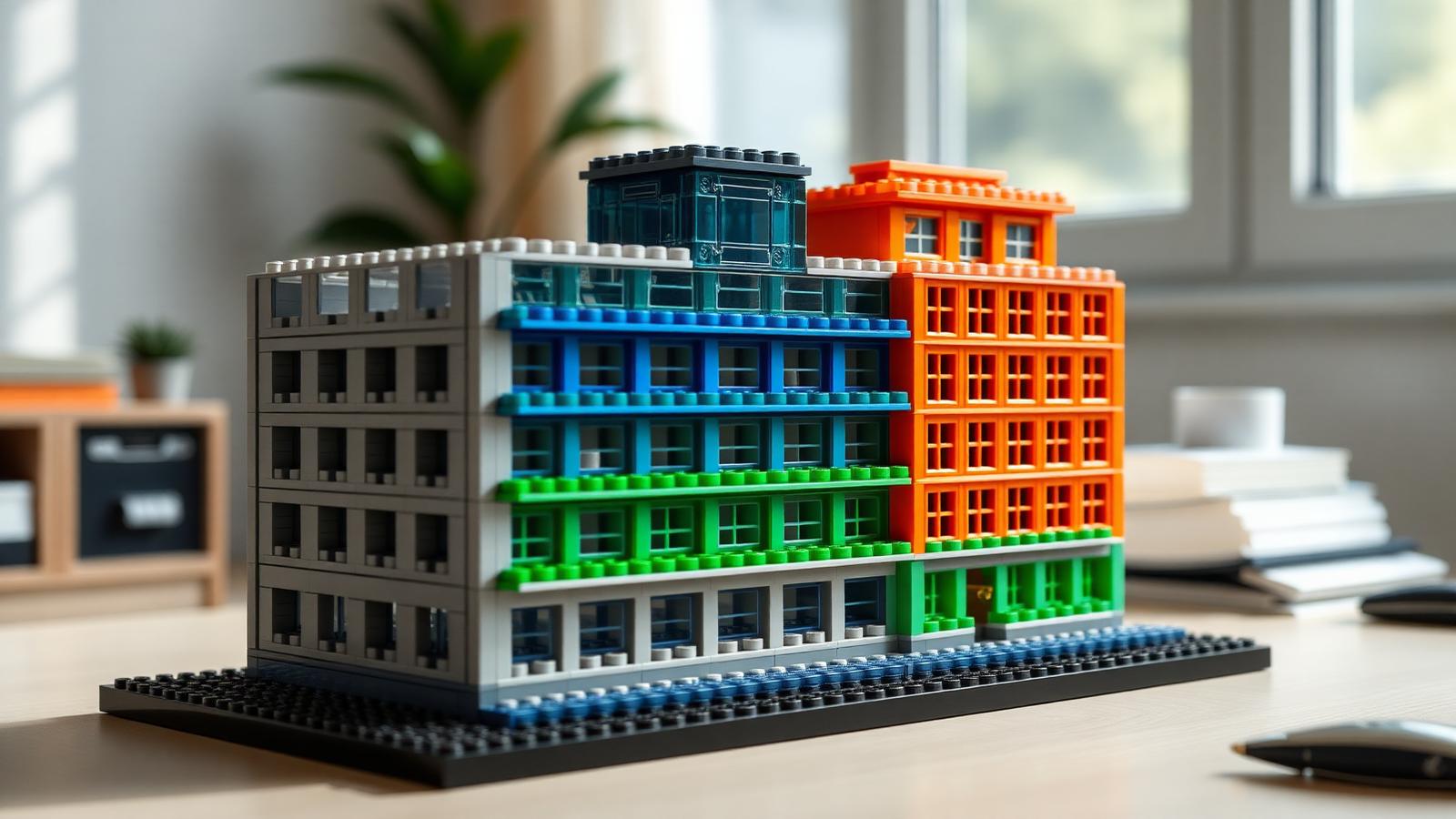
Enterprise architects and brick builders share one habit. They both plan complex systems by breaking them into parts. TOGAF, the Open Group Architecture Framework, is the world's most used method for planning enterprise IT. It splits big systems into layers you can see and manage. Building blocks do the same thing with your hands.
This guide shows you how to bridge the two. You will use physical togaf architecture building blocks to model, plan, and explain complex structures. Whether you are an architect who wants a tabletop teaching tool, or a hobbyist curious about the framework, this walkthrough gives you clear steps.
No coding needed. No prior TOGAF certification required. Just a flat table, some sorted bricks, and a willingness to think in layers.
Let's build the framework.
Why Model TOGAF With Physical Blocks
TOGAF describes systems in layers. Business. Data. Application. Technology. These layers are abstract. They live in slides and diagrams. That makes them hard to grasp for new team members and stakeholders.
Physical models fix that.
When you stack layers as real bricks, people see the structure. They touch it. They spot gaps. A block model turns a dense architecture diagram into something a whole room can understand in seconds.
Here is why this works so well.
Blocks show dependency. Stack the technology layer at the base. Put the business layer on top. The reader instantly sees what rests on what.
Blocks show scale. A large module means a large system component. A small one means a minor service. Size communicates weight without a single word.
Blocks invite change. Move a block. Swap a color. Rebuild a section. This is exactly how architects run planning workshops, but now it is tactile.
You can find architecture-themed sets suited to this kind of modeling at BrickHobby, where the piece counts and modular bases make layering easy. For a deeper look at how software patterns map to brick design, see our guide on software architecture building blocks for better MOCs.
Step 1: Understand the Four TOGAF Layers You Will Build
Direct answer: TOGAF splits an enterprise into four core architecture domains. You will map each one to a color or a level in your model.
Here are the four layers, kept simple.
- Business Architecture. Your goals, processes, and people. The "why" and "who."
- Data Architecture. How information is stored and moves. The "what."
- Application Architecture. The software and services that run the work. The "how."
- Technology Architecture. Servers, networks, and hardware. The "where it runs."
Assign a color to each. For example, blue for business, green for data, yellow for application, gray for technology. Consistency matters. Use the same color for the same layer every time.
Family tip. If you build this with kids or new hires, keep the colors bright and the labels large. It turns an abstract IT concept into a hands-on lesson.
Write your color key on a card. Keep it next to the model. Anyone who walks up should understand your togaf architecture building blocks without a briefing.
Step 2: Prepare Your Workspace and Sort Your Bricks
A clear build starts before the first click.
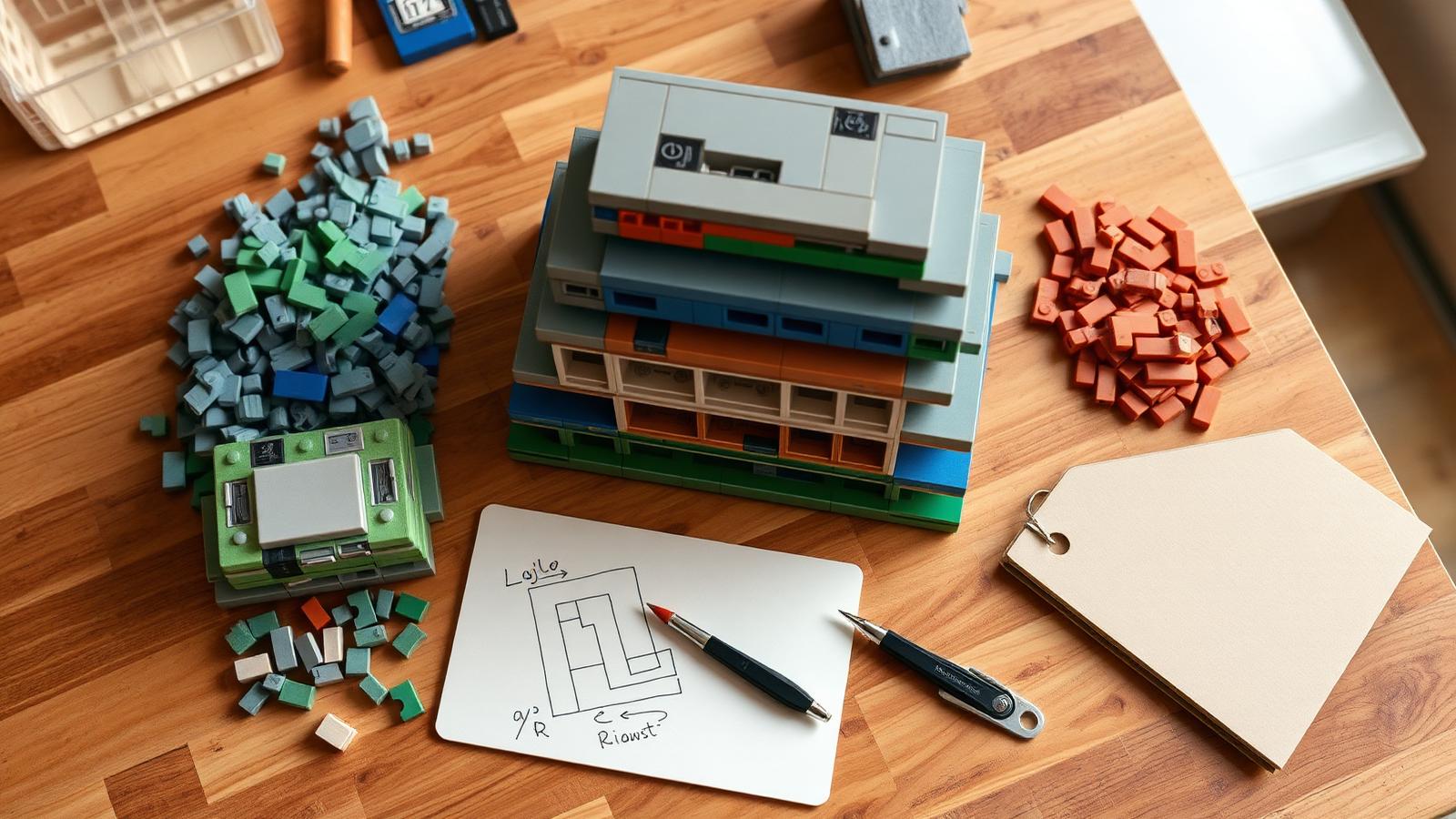
Clear a wide table. You need room for the model, sorted bricks, and a notebook for labels.
Get good light. Small pieces hide in shadow. A desk lamp helps.
Sort by color first. Since color equals layer here, sorting by color is sorting by architecture domain. Group your four colors into four trays.
Sort by size second. Within each color, split large plates from small tiles. Large pieces become major components. Small pieces become services and connectors.
Keep a brick separator handy. You will rebuild sections often as your model evolves. A separator saves your fingernails.
Grab sticky labels or printable tiles. You will name each block after a real system. "CRM." "Payment API." "Data warehouse." Labels turn a pretty stack into a working diagram.
Set the mood. Put on music. Brew coffee. This is planning work, but it should feel good too!
Step 3: Build the Base Layer First
Direct answer: always start with the technology layer at the bottom. Everything else depends on it.
TOGAF is a stack of dependencies. Hardware and networks support the applications. Applications process the data. Data serves the business. So your base plate is the technology layer.
Lay a large gray base plate. This is your foundation. Servers, cloud regions, and networks live here.
Build technology as flat, wide modules. This layer should feel solid and broad. It carries everything above.
Leave connection points. Use studs or gaps where higher layers will link down. In a real architecture, these are your integration points.
Do not rush the base. A wobbly foundation ruins the model above it, just as weak infrastructure sinks a real system. Take your time and get it level and stable.
If you want modular base plates and technic connectors that make layered models sturdy, browse our cloud architecture building blocks data-center guide for base-layer inspiration.
Step 4: Stack the Data and Application Layers
Now you build upward. Each layer sits on the one below.
The Data Layer
Place your green modules on top of the technology base.
Each green block is a data store. A database. A warehouse. A data lake. Label each one.
Connect data to technology below it. Run a visible link, a stud connection or a small bridge piece, from each data store down to the servers that host it. This shows the dependency clearly.
Keep the data layer organized. Group related stores together. Customer data in one cluster. Product data in another. Physical grouping mirrors logical grouping.
The Application Layer
Stack your yellow modules on top of the data layer.
Each yellow block is an application or service. Your CRM. Your billing system. Your website backend.
Show which apps use which data. Connect each application block down to the data stores it reads or writes. When one app touches many data stores, the tangle of connections tells you something. That is a complexity signal worth noting.
This is where a block model beats a slide. You physically see how many things depend on one database. If ten yellow blocks all connect to one green block, that database is a single point of failure. The model makes the risk obvious. For the IoT variant of this stacking pattern, read our IoT architecture building blocks smart-city guide.
Step 5: Add the Business Layer on Top
Direct answer: the business layer crowns the model because business goals drive everything below.
Place your blue modules at the top level.
Each blue block is a business capability or process. "Order fulfillment." "Customer onboarding." "Reporting."
Link business to applications. Connect each business capability down to the applications that deliver it. Now anyone can trace a business goal all the way down to the servers that run it.
Keep the top layer readable. This is the layer executives care about. Make it clean and clearly labeled. It should read like a summary of what the enterprise actually does.
Step back and look. You now have a full stack. Business on top. Technology at the base. Every dependency visible. This is a working model of your enterprise built from togaf architecture building blocks, and it explains in one glance what a fifty-slide deck struggles to convey.
Step 6: Model Change With the ADM Cycle
TOGAF has a heart, and it is called the Architecture Development Method, or ADM. It is a cycle of phases you move through to change an architecture. Your block model can show this too.
Here is the simple version of the ADM cycle.
- Vision. Where you want to go.
- Business, Data, Application, Technology. The four layers you just built.
- Opportunities and Migration. How you get from now to next.
- Implementation and Governance. Making it real and keeping it on track.
Model the change directly. Build your current architecture in one color scheme. Then build the target architecture beside it using a second set of blocks.
The gap between the two models is your migration plan. What blocks are new? What blocks disappear? What connections change? Physically moving from the "before" model to the "after" model is the most intuitive migration workshop you can run.
Use a "parking lot" tray. Set aside blocks you plan to retire. Keep new blocks ready in another tray. This mirrors the migration phase of the ADM cycle.
Step 7: Add Building Blocks for Reusable Components
Here is a neat coincidence. TOGAF itself uses the term "building block." In the framework, an Architecture Building Block, or ABB, is a reusable component of capability. There are also Solution Building Blocks, or SBBs, the actual products that deliver that capability.
Your bricks map perfectly to this idea.
Model an ABB as a generic block. A plain block labeled "Authentication Service" is your reusable concept.
Model an SBB as a specific block. A detailed block labeled "Okta" or "Auth0" is the real product that fills the role.
Swap SBBs freely. This is the whole point of good architecture. If you can lift out one product block and drop in another without rebuilding the layers around it, your architecture is well designed. The model proves it in seconds.
Keep a library of common blocks. Over time you build a small collection of pre-made, pre-labeled modules. Authentication. Logging. Payment. Reuse them across models — much like the reusable planning patterns in our architecture building-blocks examples guide.
Step 8: Present and Iterate With Your Team
A model is only useful if people engage with it. Building sets shine in a workshop.
Gather the team around the table. A physical model pulls people in. They lean over it. They point. They argue about it in a good way.
Hand people blocks. Let a stakeholder place their own capability block. Ownership creates buy-in. Suddenly the architecture is theirs, not just yours.
Photograph each version. Before you rebuild, take a photo. This becomes your architecture version history, captured in images.
Iterate live. Someone spots a missing dependency? Add the connection on the spot. Someone proposes a new service? Snap in a block. The model updates as fast as the conversation.
Store the model between sessions. Keep it on a shelf or a movable base. A standing physical model is a constant, visible reminder of the architecture your team is building toward. If you teach with these models, our architecture toy teaching guide has more classroom tips.
Common Mistakes to Avoid
A few pitfalls trip up first-time modelers. Watch for these.
Mixing your color code. Once blue means business, keep it that way. Inconsistent colors destroy the whole point.
Skipping the labels. A block without a label is decoration, not documentation. Name every module.
Building the base too weak. A wobbly technology layer collapses under the layers above. Take your time on the foundation.
Overcrowding the model. If you cram in every micro-service, no one can read it. Model the important components. Group the small ones.
Forgetting the connections. The links between blocks carry half the meaning. A stack with no connections is just a tower. Show the dependencies.
Treating it as final. Architecture changes. So should your model. Rebuild it as your systems evolve.
Key Takeaways
Here is the whole method in one glance.
- Assign one color to each of the four TOGAF layers.
- Build the technology base first, then stack data, applications, and business on top.
- Show dependencies with visible connections between blocks.
- Model change by building "current" and "target" versions side by side.
- Use plain blocks for reusable concepts and detailed blocks for real products.
- Rebuild the model as your architecture evolves.
Bringing It All Together
Enterprise architecture and brick building are the same craft in different materials. Both break complexity into parts. Both plan before they build. Both improve through iteration. A physical model turns an abstract framework into something your whole team can see, touch, and understand.
Start small. Model one system with four layers. Add connections. Show it to a colleague. Then grow it as your confidence grows. The next planning workshop you run with togaf architecture building blocks on the table will be the clearest one your team has ever had.
Ready to pick a set? Explore more architecture builds in our Architecture & Landmarks category and start modeling.
Frequently Asked Questions
Do I need to know TOGAF before trying this modeling method?
No. You only need the four core layers to start: business, data, application, and technology. This guide gives you those in plain terms. If you want to go deeper later, the official framework covers the full ADM cycle and building block definitions. But you can build a useful, clear model with just the basics covered here. Many people learn the framework faster by building it than by reading about it.
Which building sets work best for architecture modeling?
Look for sets with modular base plates, a range of flat plates, and plenty of connectors. Piece count matters less than variety of colors and sizes, since color equals layer in this method. Sets built around architecture themes tend to include the wide, flat pieces that make clean layers. Sort your bricks by color before you start so each TOGAF domain has its own supply ready to go.
Can I use this method to teach kids or new team members about systems?
Yes, and it works well. Physical stacking makes abstract IT concepts concrete. For kids aged 5 to 14, keep colors bright and labels simple to build early STEM and systems-thinking skills. For new hires, the same model onboards them faster than a slide deck. Everyone learns by touching the layers, moving blocks, and tracing how one component depends on another.
How is this different from just drawing an architecture diagram?
A diagram is flat and static. A block model is dimensional and hands-on. You can physically stack dependencies, feel which layer sits at the base, and rebuild sections during a live discussion. Stakeholders engage more when they can pick up a block and place it themselves. The model also makes risks obvious, like when ten application blocks all connect to a single database. That single point of failure is hard to miss in three dimensions.
How do I keep and reuse my models over time?
Photograph each version before you rebuild, so you keep a visual history of your architecture. Build a small library of pre-labeled, reusable blocks for common components like authentication or logging. Store finished models on a stable shelf or a movable base plate. When your real systems change, update the model to match. A standing physical model keeps your target architecture visible to the whole team between planning sessions.
Ready to build this yourself?
BrickHobby sells high-quality LEGO-alternative building block sets — the same brick standard, a fraction of the price. Browse our in-stock sets and simply contact our customer service team to place your order; we will confirm availability, pricing and worldwide shipping for you.
Keep reading

Architecture & Landmarks
Build Impressive Landmarks with Building Blocks Landmark 5 Sets
A hobbyist and family guide to building blocks landmark 5 sets — how to choose, sort, and build display-quality Eiffel Tower, Colosseum, and Taj Mahal models with BrickHobby as a LEGO alternative.

Architecture & Landmarks
How to Build Impressive Structures with Architecture Wooden Building Blocks
A step-by-step guide for hobbyists and families: how to choose a set, plan, sort, and build display-quality architecture models with wooden-style building blocks.

Architecture & Landmarks
How to Build Stunning Architectural Models with ABB Architecture Building Blocks
ABB architecture building blocks let hobbyists turn a love of buildings into display-worthy models. A complete builder's guide — planning, execution, choosing quality bricks, and showcasing the finished piece.