
How to Use a LEGO Architecture Studio Building Blocks Set
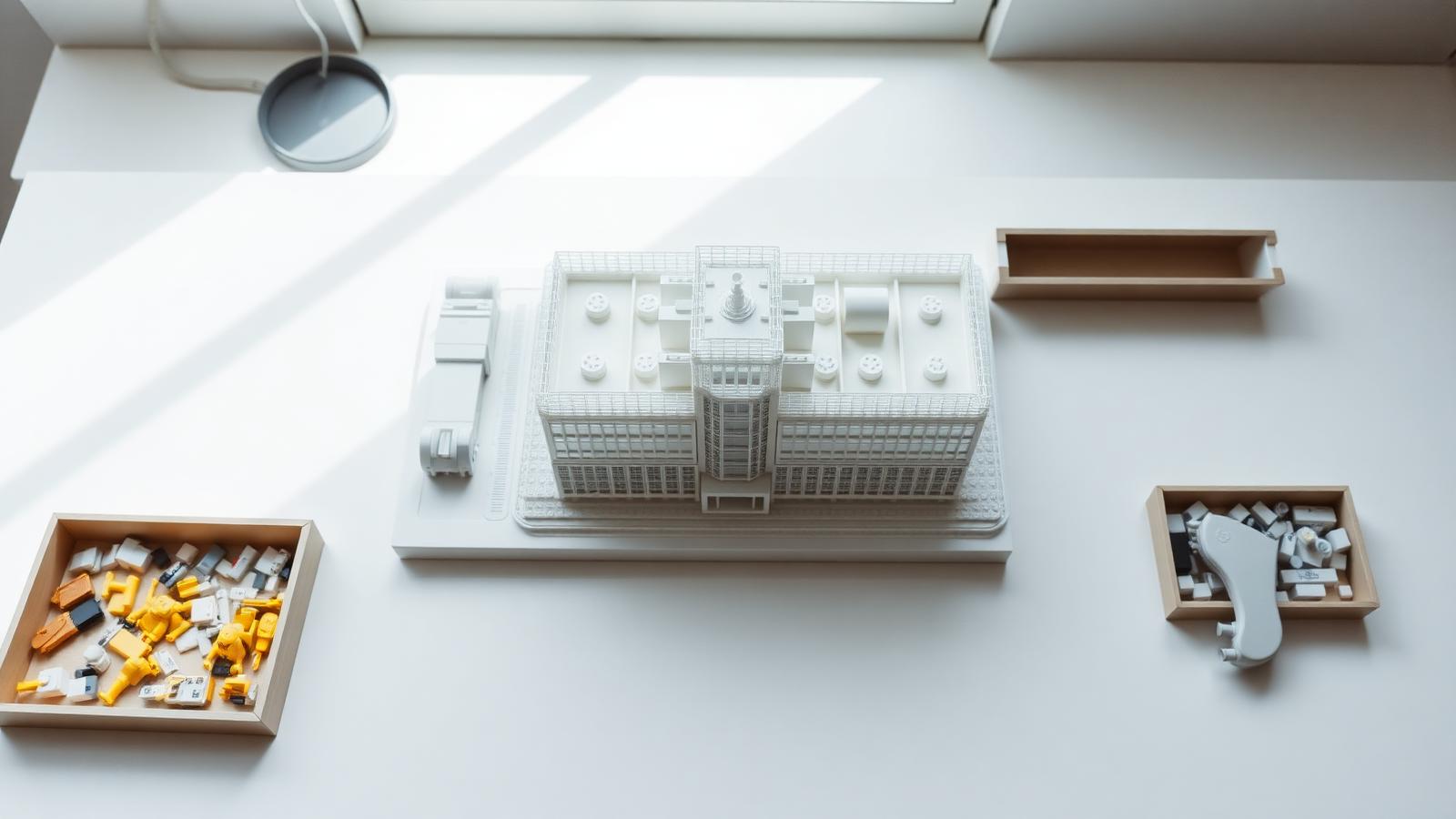
Quick answer: A lego architecture studio building blocks set is an open-ended collection of bricks — typically white and transparent — designed for architectural model-making rather than guided assembly. Sort your pieces by type, plan your build around a real structure or style, and use techniques like SNOT (Studs Not On Top) to create varied textures and angles.
There is something quietly satisfying about turning a pile of bricks into a building that looks like something real. A skyline. A cathedral. Your own home.
Architecture building block sets sit in a different category to standard construction toys. They are not about following a numbered instruction booklet — they hand you a blank canvas, usually hundreds of white and transparent pieces, and invite you to design freely. That creative freedom is what draws so many adult hobbyists, design enthusiasts, and STEM-minded families to them.
This guide covers everything you need to know about using a lego architecture studio building blocks set from start to finish. Along the way we link to related reads like the LEGO Architecture Studio 21050 deep dive, our studio-style design guide, and architecture examples & planning.
What Is a LEGO Architecture Studio Building Blocks Set?
The original LEGO Architecture Studio (set number 21050) launched as a creative toolkit rather than a conventional set. It contained 1,210 white and transparent bricks alongside a 272-page guidebook filled with architectural essays, project prompts, and building exercises. There were no completed models on the box — the goal was to give builders raw materials and a nudge in the right direction.
What made it stand out was the monochromatic palette. Using only white and clear bricks removes color as a variable, which forces you to think about form, proportion, and structure instead. It is the brick equivalent of sketching in pencil before adding paint.
The set is no longer in production. Used copies now sell for considerably more than their original retail price. The concept it introduced — open-ended architecture building with a curated piece selection — lives on. Compatible sets from BrickHobby offer similar variety at friendlier price points.
How to Choose the Right Set for Your Project
Not all architecture building sets suit every builder or every project. A few things are worth thinking through before you commit.
What is your skill level?
If you are new to architectural model-making, a smaller set with 500–800 pieces is a practical starting point. Experienced builders often prefer sets with 1,000 pieces or more, which give enough variety to explore complex facades, layered structures, and mixed techniques within a single build.
What do you want to build?
Some builders have a specific landmark in mind — a cathedral, a famous skyline, a modernist house. Others prefer to experiment with styles like Art Deco, Brutalism, or Prairie architecture without a fixed target. Domes, arches, 1×3 tiles, and SNOT bricks are commonly requested additions that not all sets include. For inspiration, see our mini architecture builds guide.
What is your budget?
The original LEGO Architecture Studio set now commands a premium on the secondary market. Compatible sets from brands like those found at BrickHobby offer similar piece counts and architectural versatility at a significantly lower price point. The bricks are manufactured from ABS plastic and are fully compatible with standard building block systems.
Where are you located?
For builders in Europe and North America, shipping times and import considerations matter. BrickHobby ships internationally, making compatible architecture sets accessible without long wait times.
Setting Up Your Workspace
The way you set up your building area has a surprisingly large effect on how creative and efficient your sessions are.
Sort your pieces before you start
The first thing to do when you open a new architecture building blocks set is sort the pieces by type. Separate plates from bricks, slopes from tiles, standard from transparent. This step takes 20–30 minutes but saves far more time during the actual build. Tom Alphin, author of The LEGO Architect, credited sorting as the habit that made him a more deliberate builder.
Use a drawer organizer system
Ziplock bags and cardboard dividers work in a pinch, but a proper drawer organizer — like an Akro-Mils-style unit with labeled compartments — transforms the building experience.
Set up a clean, well-lit surface
A baseplate or smooth building mat gives you a stable foundation and a clear visual boundary. Lighting from above and to one side helps you spot alignment issues and appreciate texture contrasts.
Keep reference materials nearby
Photographs of real buildings, architectural books, and printed sketches all help translate intention into bricks. Our reference architecture guide has more on working from real-world references.
Building Techniques and Tips
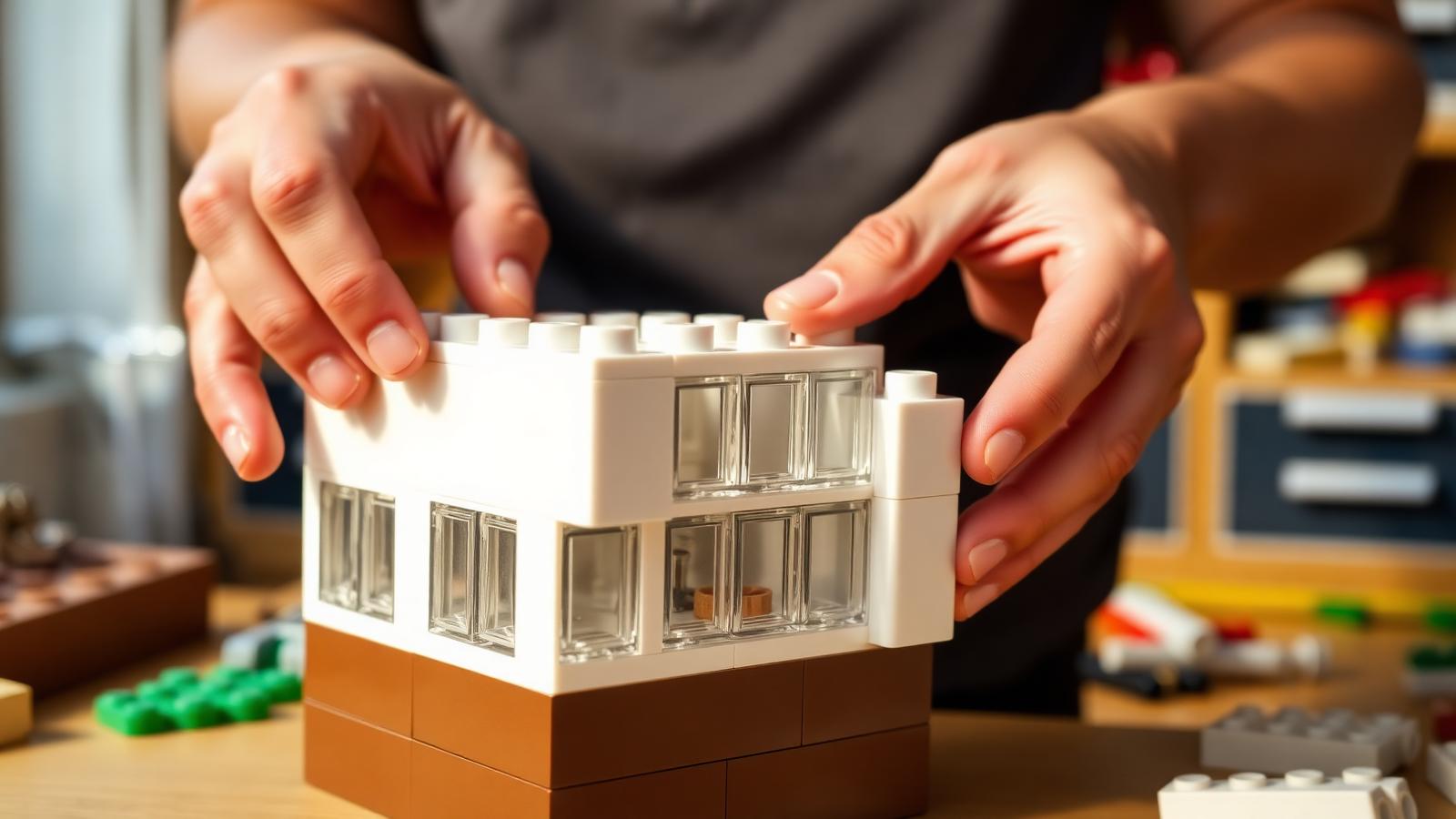
Use SNOT (Studs Not On Top)
SNOT is the most transformative technique in architectural model-making. By attaching bricks sideways — using bracket or headlight bricks — you can create smooth vertical surfaces, horizontal tile work, and angled details that standard stacking cannot achieve. Window frames, facade panels, and roofline details all benefit from SNOT.
Think in layers
Real buildings are layered structures. Ground floor, upper floors, roofline, details. Build your model the same way, completing one horizontal layer at a time before moving upward.
Work with repetition and symmetry
Architecture is full of repeating patterns — window rows, column sequences, tile grids. Identify the repeating unit in your design and build it once, then replicate it. See software architecture building blocks for more on modular thinking.
Explore scale deliberately
One exercise from the original Architecture Studio guidebook involves building the same structure at two different scales. Microscale models teach proportion. Larger-scale models allow surface detail. Trying both reveals what your design gains and loses at each size.
Learn one architectural style at a time
Art Deco uses vertical lines and geometric ornamentation. Brutalism favors raw, monolithic surfaces and heavy horizontal slabs. Prairie-style buildings hug the ground with low rooflines. Picking one style and building three or four models in it deepens your understanding far more than jumping between styles.
How BrickHobby Sets Compare to LEGO Architecture Studio
The original LEGO Architecture Studio set has genuine strengths — a thoughtfully assembled piece selection, an effective white-only palette, and an inspirational guidebook. Its limitations are just as real: at 1,210 pieces it runs short on certain useful piece types (domes, hinges, 2×2 jumper plates, 1×3 tiles), and the sorting solution provided is widely regarded as insufficient.
Compatible architecture sets available at BrickHobby address several of these gaps. Piece counts are competitive, ABS construction ensures cross-brand compatibility, and pricing reflects the accessible approach the brand brings to the hobby. For a broader enterprise-scale view of the "building blocks" idea, our enterprise architecture building blocks piece is a good companion read.
Advanced Tips
Design digitally before building physically
Free software like BrickLink Studio lets you plan and visualize a model on screen before committing bricks. Digital planning reduces mid-build frustration and piece waste.
Keep a building journal
Photograph your builds at each stage, note which techniques you used, and record what worked and what did not. Over time, this becomes a personal reference library.
Expand your piece collection incrementally
Most experienced architecture builders supplement their main set with targeted purchases — specific slopes, curved tiles, or transparent elements.
Join the community
Builder communities on Reddit (r/lego, r/legoarchitecture), Instagram, and AFOL forums share techniques and offer feedback. Participating accelerates your development.
Display your work
A plain white baseboard, a simple wooden plinth, or a display case with lighting transforms a finished model into a room feature. The monochromatic aesthetic of architecture builds photographs cleanly and displays elegantly.
Frequently Asked Questions
What is the difference between a LEGO Architecture Studio set and a standard LEGO Architecture set?
The LEGO Architecture Studio (21050) is an open-ended creative toolkit containing 1,210 white and transparent bricks with no prescribed build. Standard LEGO Architecture sets come with step-by-step instructions to build specific real-world landmarks like the Eiffel Tower or the Empire State Building.
Are compatible building block sets from BrickHobby actually compatible with LEGO bricks?
Yes. Compatible architecture building block sets manufactured from ABS plastic are designed to the same dimensional tolerances as standard building block systems. Bricks connect and separate with the same feel and reliability.
How many pieces do I need to start building architecture models?
A set of 500–800 pieces is sufficient for meaningful beginner projects. For larger, more detailed models, 1,000 pieces or more gives you the material range to work with.
What are the most useful piece types for architectural model-making?
Beyond basic bricks and plates: 1×1 and 1×2 tiles, slope bricks, transparent flat tiles, bracket and headlight bricks (for SNOT), and 2×2 jumper plates.
Can children use an architecture building blocks set?
Architecture building sets are most commonly used by adult hobbyists aged 25–55, but they work well for children aged 10 and above with an interest in design or construction.
Ready to build this yourself?
BrickHobby sells high-quality LEGO-alternative building block sets — the same brick standard, a fraction of the price. Browse our in-stock sets and simply contact our customer service team to place your order; we will confirm availability, pricing and worldwide shipping for you.
Keep reading
Architecture & Landmarks
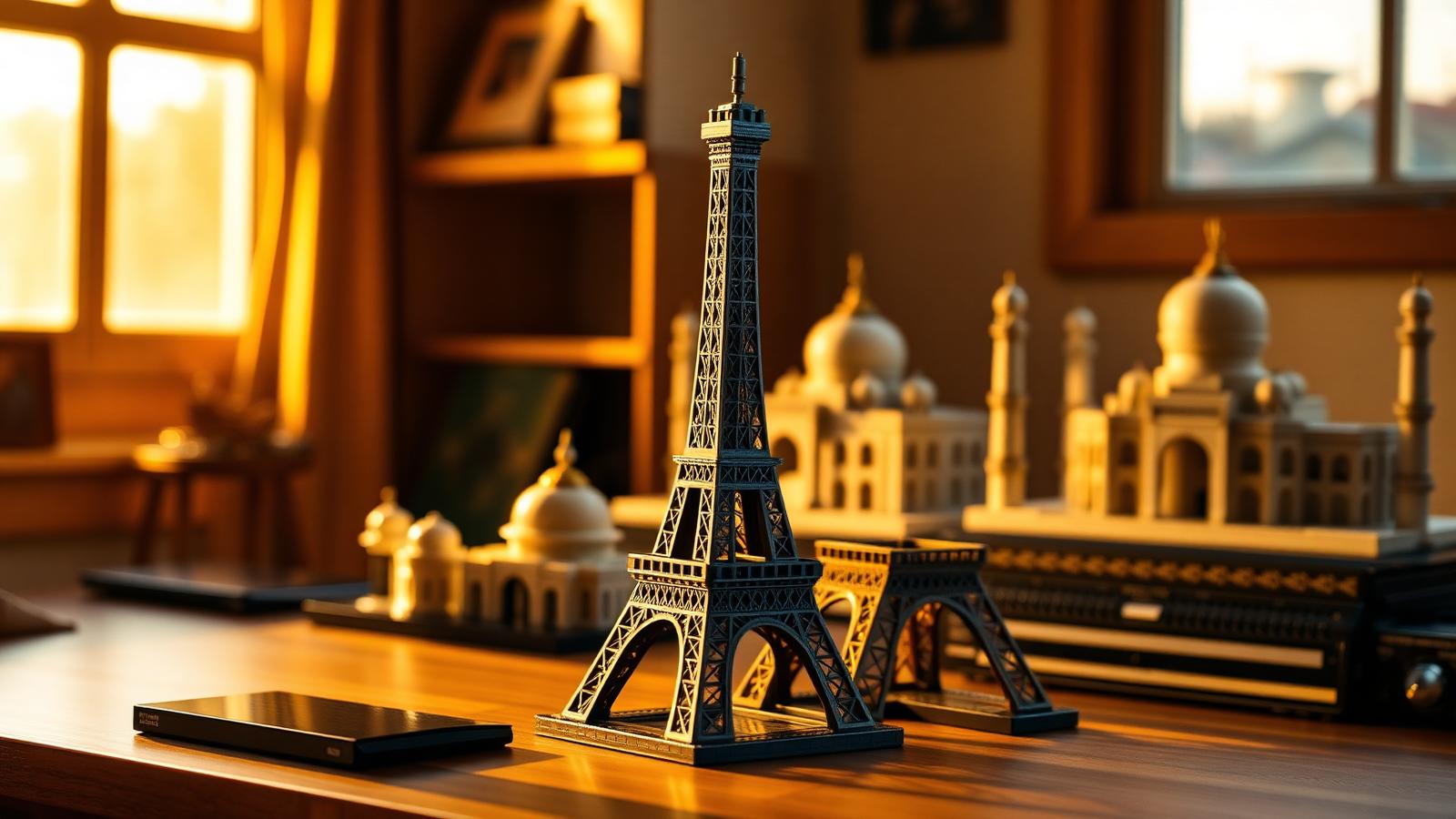
Build Impressive Landmarks with Building Blocks Landmark 5 Sets
A hobbyist and family guide to building blocks landmark 5 sets — how to choose, sort, and build display-quality Eiffel Tower, Colosseum, and Taj Mahal models with BrickHobby as a LEGO alternative.
Architecture & Landmarks
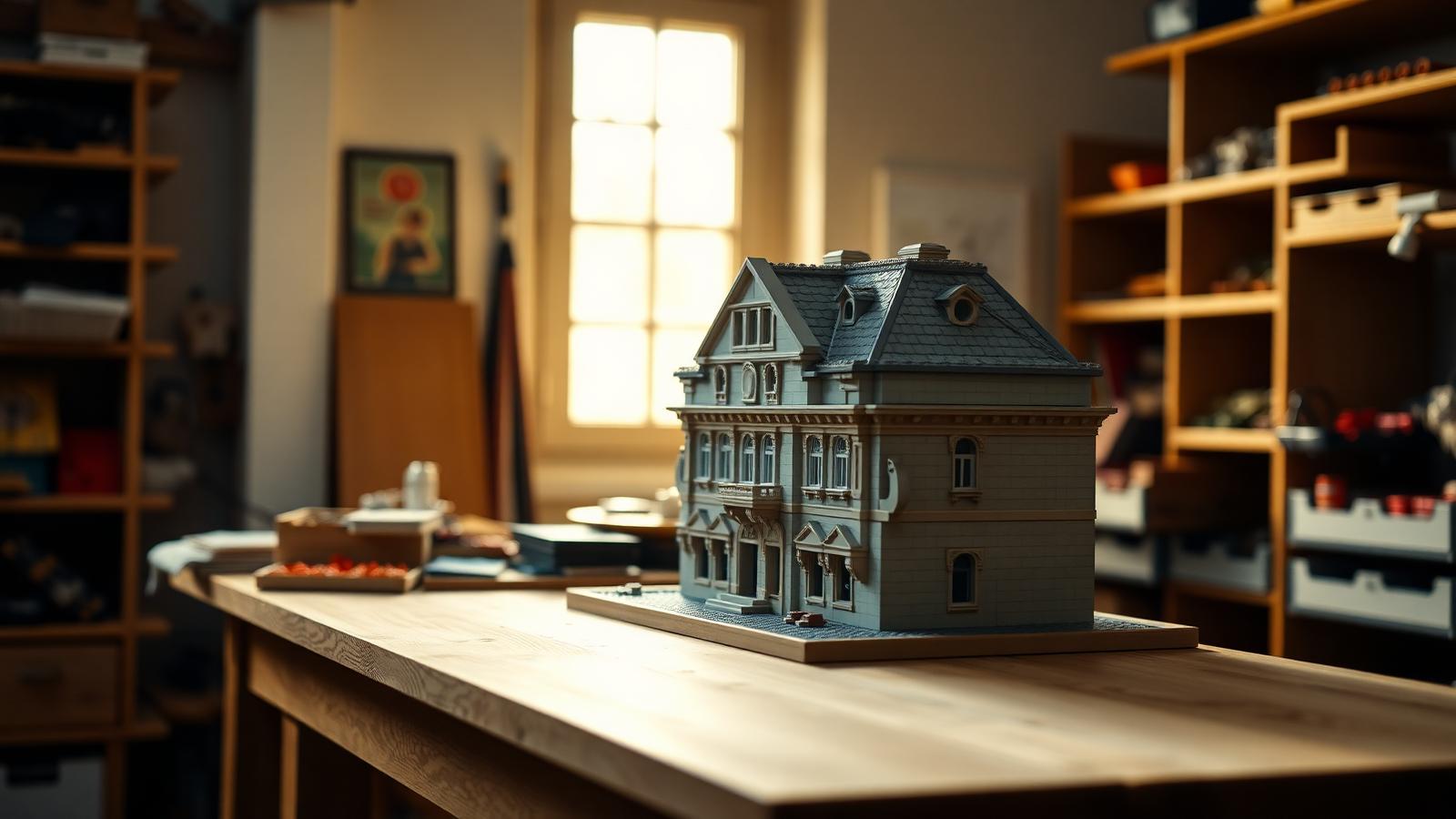
How to Build Impressive Structures with Architecture Wooden Building Blocks
A step-by-step guide for hobbyists and families: how to choose a set, plan, sort, and build display-quality architecture models with wooden-style building blocks.
Architecture & Landmarks
How to Build Stunning Architectural Models with ABB Architecture Building Blocks
ABB architecture building blocks let hobbyists turn a love of buildings into display-worthy models. A complete builder's guide — planning, execution, choosing quality bricks, and showcasing the finished piece.