How to Pick the Best Programmable Building Toys for Kids (And Actually Use Them)
How to Pick the Best Programmable Building Toys for Kids (And Actually Use Them)
Quick answer: The best programmable building toys for kids combine physical building blocks with simple coding tools — like block-based apps or plug-in motors — so children learn engineering and logic at the same time. Look for age-appropriate complexity, compatible accessories, and a brand that stands behind its bricks. BrickHobby's Technic-style, LEGO-compatible sets make a sturdy, affordable foundation for that journey.
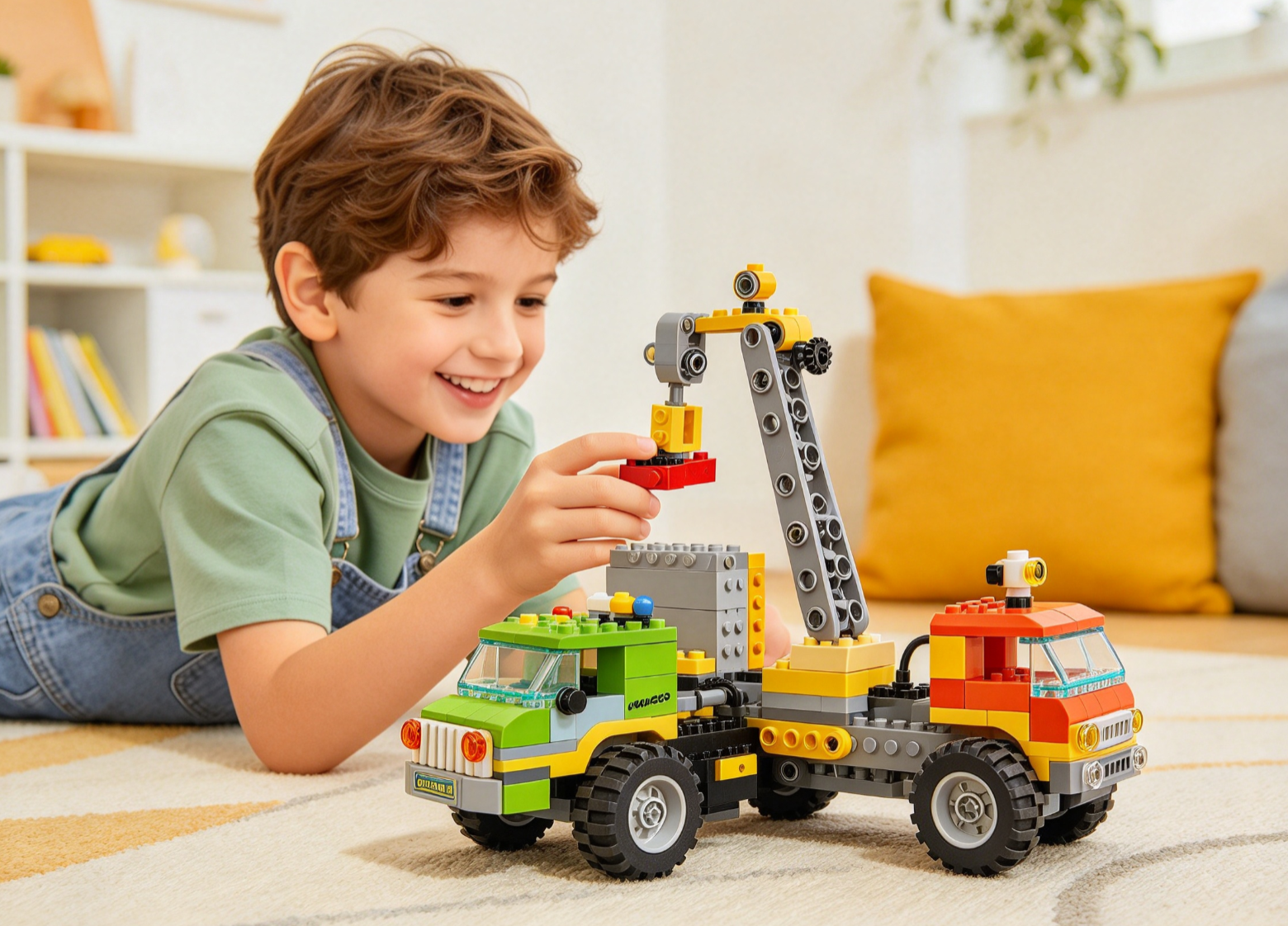
My kid asked for a robot last Christmas. Not a toy robot — a real one, something he could build and then make move on command. I had no idea where to start. If you're in the same spot, you're not alone. Programmable building toys sit at the exact crossing point of play and learning, and that makes shopping for them feel more complicated than it needs to be.
This guide walks through what these toys actually are, why they matter for kids, and how to choose a set your child will stick with long after the box is opened. We'll also cover how to get started once the pieces arrive, how to keep the learning going, and why a LEGO-compatible brand like BrickHobby is worth a look if you want quality without the premium price tag.
By the end, you'll know exactly what to look for, and you won't need an engineering degree to shop confidently.
What Are Programmable Building Toys?
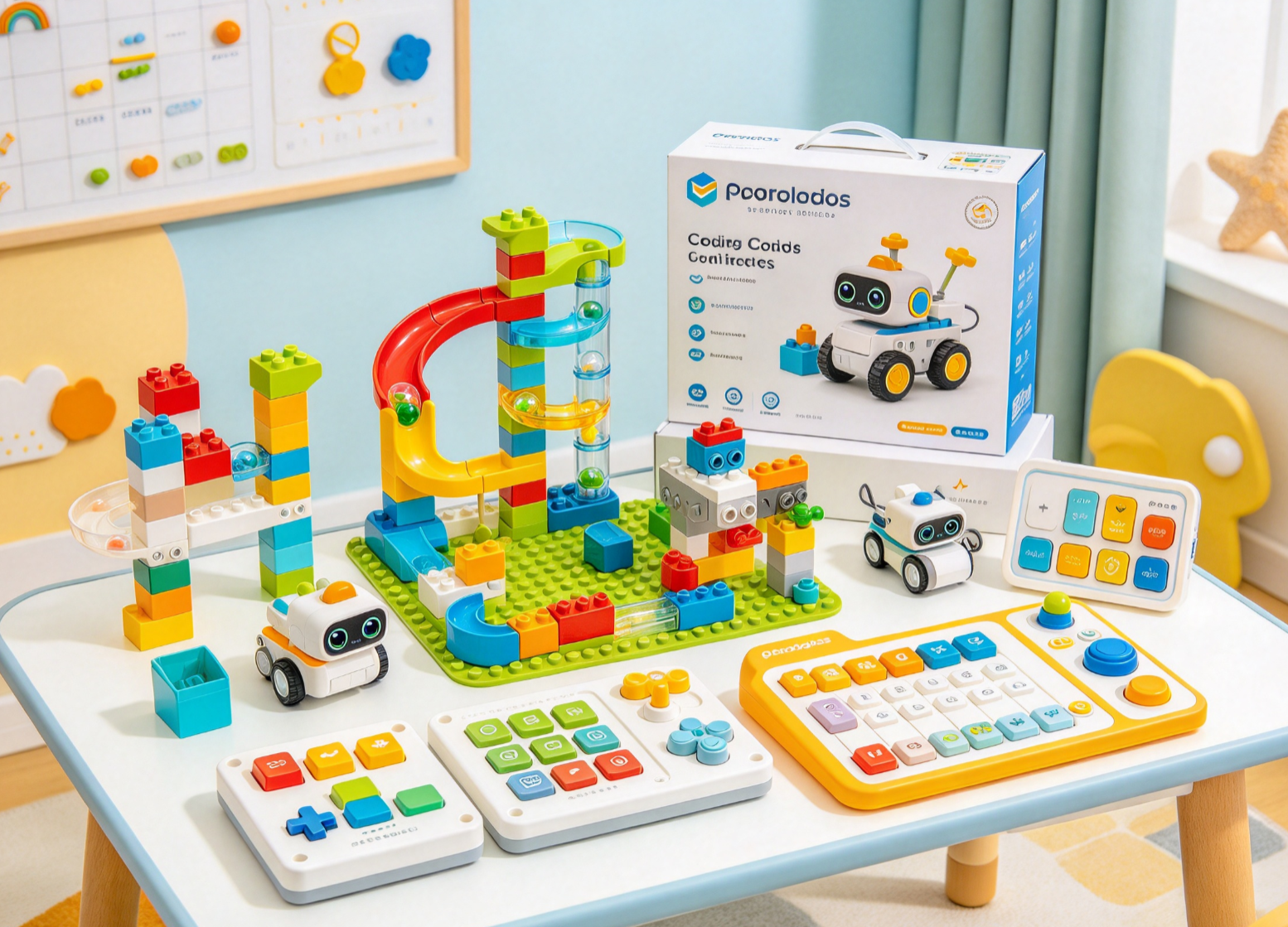
Programmable building toys are construction sets that go one step further than regular bricks. Instead of just stacking and building, kids add motors, sensors, or small circuit boards, then use an app or simple code to make their creation move, light up, or respond to its surroundings.
Think of it as a layered experience. The base layer is physical building — the same spatial reasoning and fine motor skills kids get from traditional brick sets. The second layer is logic. Children write short sequences of commands, usually by dragging blocks on a tablet screen rather than typing actual code, to control what they've built.
Popular formats include:
- Block-based coding kits that pair with an app (drag-and-drop logic, no typing required)
- Motorized building sets that add movement through gears, motors, and remote controls
- Sensor-equipped kits that react to light, sound, or touch
- Robotics starter sets that combine all three into a buildable robot
The best programmable building toys for kids usually introduce one of these layers at a time, rather than throwing everything at a child in a single box.
Why Programmable Building Toys Are Great for Kids
Parents don't need a background in computer science to see the value here. These toys teach real skills while staying firmly in "play" territory.
They build problem-solving skills early
When a motor doesn't spin the way a child expects, they have to figure out why. That trial-and-error process — hypothesize, test, adjust — is the same loop professional engineers use every day. Kids just call it "playing."
They strengthen STEM foundations without feeling like homework
Science, technology, engineering, and math concepts show up naturally. Gear ratios, cause and effect, basic sequencing — a child absorbs these ideas while chasing the fun of making something move.
They reduce passive screen time
A tablet paired with a programmable building toy is still a screen, but it's a screen used for creating something physical, not scrolling. That distinction matters to a lot of families trying to balance digital habits.
They scale with your child
Unlike toys kids outgrow in a season, programmable building sets tend to grow in complexity. A child can revisit the same base kit a year later with a harder challenge, new code, or an added accessory.
They encourage independent thinking
There's rarely one "correct" way to build or program a result. That open-endedness supports confidence and creative problem-solving, especially for kids who like to tinker.
How to Choose the Best Programmable Building Toys for Kids
This is where most parents get stuck. The market is full of options, and not every "programmable" toy is actually a good fit for your specific child. Here's what actually matters.
Match the kit to your child's age and skill level
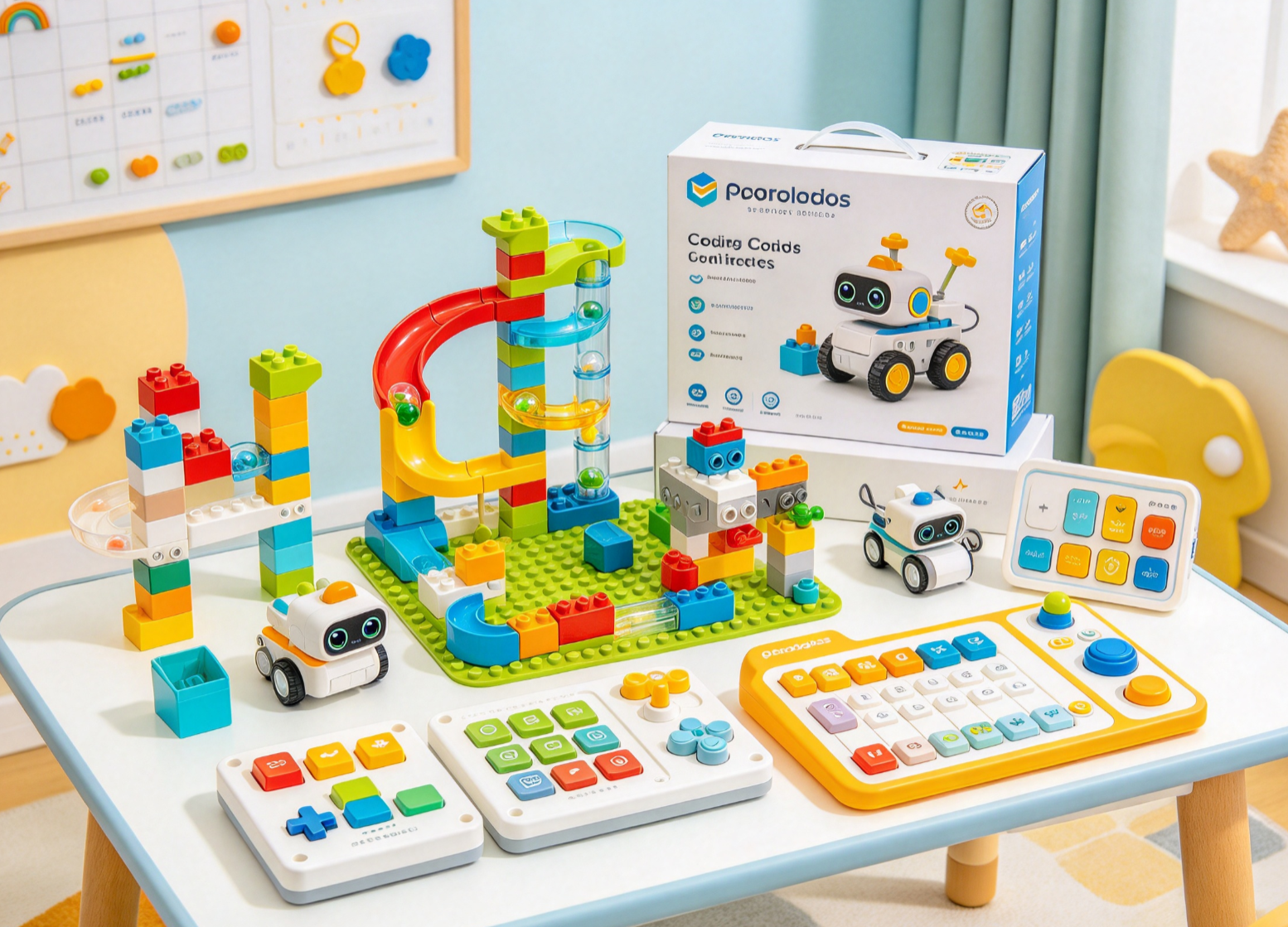
A five-year-old and a twelve-year-old need completely different starting points. Younger children do best with chunky bricks, basic cause-and-effect programming (press a button, see a result), and minimal reading. Older kids can handle multi-step sequences, smaller components, and more detailed instructions.
Check what "programmable" actually means for that product
Some toys labeled programmable only offer a single pre-set function. Others let kids build genuinely original sequences. Read the product description closely — if it only mentions "interactive features" without describing an app or coding element, it may not deliver the learning experience you're expecting.
Prioritize compatibility with other building systems
A set that only works with its own proprietary pieces limits future growth. Kits that use a standard stud-and-tube brick format — the same system found in most popular building toys — let children combine new programmable elements with bricks they already own, including sets from brands like BrickHobby.
Look at durability and material quality
Programmable sets often get built, rebuilt, and modified repeatedly as kids experiment. Cheap plastic that cracks under repeated assembly turns a learning tool into a frustration. ABS plastic with a tight clutch — the kind used in higher-end brick lines — holds up far better over time.
Consider the learning curve for the coding interface
If the companion app is confusing for a parent to navigate, it's probably too complex for the child using it unsupervised. Look for drag-and-drop interfaces designed specifically for the target age group, not simplified versions of adult coding software.
Factor in long-term cost
Programmable building toys are rarely a one-time purchase. Motors wear out, batteries need replacing, and kids will want expansion packs. Choosing a brand with a reasonable price point and a track record of standing behind its products (through warranties or replacement promises) pays off over the toy's full lifespan, not just at checkout.
How to Get Started with Programmable Building Toys (Step-by-Step)
Once you've picked a set, here's how to set your child up for a smooth first experience.
Step 1: Unbox together and sort pieces first.\
Before building anything, spend a few minutes sorting pieces by type or color. This sounds basic, but it saves enormous frustration partway through a build when a part can't be found.
Step 2: Build the base structure before introducing code.\
Resist the urge to jump straight to programming. Let your child complete the physical build first, so they understand how the mechanical parts connect to the motor or sensor they'll later control.
Step 3: Install the companion app and do a test run.\
Most kits pair with a free app. Run through the included tutorial together, even if your child can read instructions independently. The first session goes faster with a second set of hands nearby.
Step 4: Start with the simplest program in the manual.\
Nearly every kit includes a "first project" — usually just making a motor spin or a light blink. Resist skipping ahead. That small win builds the confidence needed to tackle harder sequences later.
Step 5: Let your child modify the first program on their own.\
Once the basic sequence works, encourage experimentation. What happens if they add an extra step? Reverse the motor direction? This is where real learning happens — not in following instructions, but in breaking from them.
Step 6: Document the build.\
Take a photo or a short video of the finished project. Kids love revisiting their work, and it gives them something tangible to show family or share in online builder communities.
Tips for Maximizing Your Child's Learning Experience
A few small habits go a long way in turning a one-time toy into an ongoing hobby.
- Set aside regular build time. Fifteen minutes twice a week beats one long session a month for skill retention.
- Ask open-ended questions. Instead of "Is it working?" try "What do you think will happen if you change this part?"
- Let mistakes happen. A motor installed backward or a program that doesn't run isn't a failure — it's the most useful part of the process.
- Mix in traditional building sets. Alternating between free-build brick sets and programmable kits keeps creativity and technical skills developing side by side.
- Join a builder community. Many families find it helpful to see what other kids have built. Sharing photos or watching short build videos from other enthusiasts can spark new ideas.
- Revisit old kits with new challenges. Encourage your child to reprogram a build they finished months ago using skills they've picked up since.
Why BrickHobby Is a Great LEGO Alternative
If you're assembling a collection of building sets to support your child's programmable toy journey, BrickHobby is worth putting on your list. We design our sets around the same stud-and-tube brick format used across the hobby, so pieces from our collection work alongside bricks your child already owns — including motorized and Technic-style components.
Here's what makes BrickHobby a solid foundation:
- Collector-grade ABS bricks. Every set uses premium ABS plastic with a tight clutch, so pieces hold together through repeated building, taking apart, and rebuilding — exactly what programmable projects demand.
- A size range for every age. From chunky, safety-tested starter bricks for toddlers to detailed sets built for older kids and teens, there's an entry point for wherever your child is starting.
- A lifetime brick promise. If a piece goes missing mid-build (and with kids, it will), we replace it, free, forever. That matters a lot when a single missing gear can stall a programming project.
- Fast worldwide shipping. With warehouses in the EU and US, most orders ship within 48 hours, so your child isn't waiting weeks to start building.
- A wide range of collections. Our shop includes Technic-inspired sets, landmark architecture builds, and licensed collections, giving families plenty of room to build a varied, expandable brick library.
We're honest that we're not a robotics company — BrickHobby focuses on the building side of the hobby. But because our bricks are compatible with the broader building-toy ecosystem, they pair naturally with motors, sensors, and app-controlled add-ons your child collects along the way. You can see some of our favorite sets to build this year on our blog if you want more ideas.
Start Small, Build Often
Choosing the best programmable building toys for kids isn't about finding the single "perfect" kit. It's about matching the toy to your child's age, picking a format that can grow with their skills, and making sure the pieces are sturdy enough to survive the enthusiastic rebuilding that comes with real learning.
Start with one solid kit. Let your child build it fully before introducing code. Then expand from there — with motors, with sensors, with whatever accessory captures their curiosity next. The skills they pick up along the way will outlast the toy itself.
If you're building out a brick collection to support that growth, take a look at BrickHobby's sets. We hope you and your family find pieces that fit right into your next build\~
FAQ
What age should kids start with programmable building toys?\
Most programmable building toys are designed for ages 5 and up, though complexity varies widely. Younger children do best with simple cause-and-effect kits, while kids 8 and older can usually handle multi-step coding sequences.
Do programmable building toys require internet access?\
Most companion apps need an initial download and setup, but many function offline once installed. Check the specific kit's requirements before purchase, especially if you plan to use it while traveling.
Are programmable building toys compatible with regular brick sets?\
Many are, especially those using a standard stud-and-tube format. This compatibility lets kids combine programmable elements with existing brick collections, including sets from brands like BrickHobby, rather than starting a separate collection from scratch.
How much should I expect to spend on a good starter kit?\
Entry-level programmable building sets typically range from affordable basic kits to higher-priced robotics bundles with more sensors and motors. Starting with a simpler kit and adding expansion packs later is often more cost-effective than buying the most advanced set upfront.
What if my child loses interest after the first build?\
This is common and usually means the first project was either too easy or too hard. Try revisiting the kit with a new challenge, pairing it with a sibling or friend for a group build, or mixing in a non-programmable brick set to keep the hobby feeling fresh.
Ready to build this yourself?
BrickHobby sells high-quality LEGO-alternative building block sets — the same brick standard, a fraction of the price. Browse our in-stock sets and simply contact our customer service team to place your order; we will confirm availability, pricing and worldwide shipping for you.
Keep reading

Kids & Toddlers Bricks
How to Choose the Best Magnetic Building Toys for Kids
Learn how to choose the best magnetic building toys for kids, from safety tips to picking the right set for your child's age and skill level.
Kids & Toddlers Bricks
How to Choose the Best STEM Building Toys for Kids in 2026
Find the best STEM building toys for kids in 2026 with this age-by-age guide covering safety, materials, and smart LEGO alternatives.
Kids & Toddlers Bricks
Finding the Best Building Block Toys for Kids Above 6
Learn how to choose the best building block toys for kids above 6, plus tips for maximizing creative play and picking a LEGO alternative brand you can trust.